

Your Laptop, Now with 3 Screens

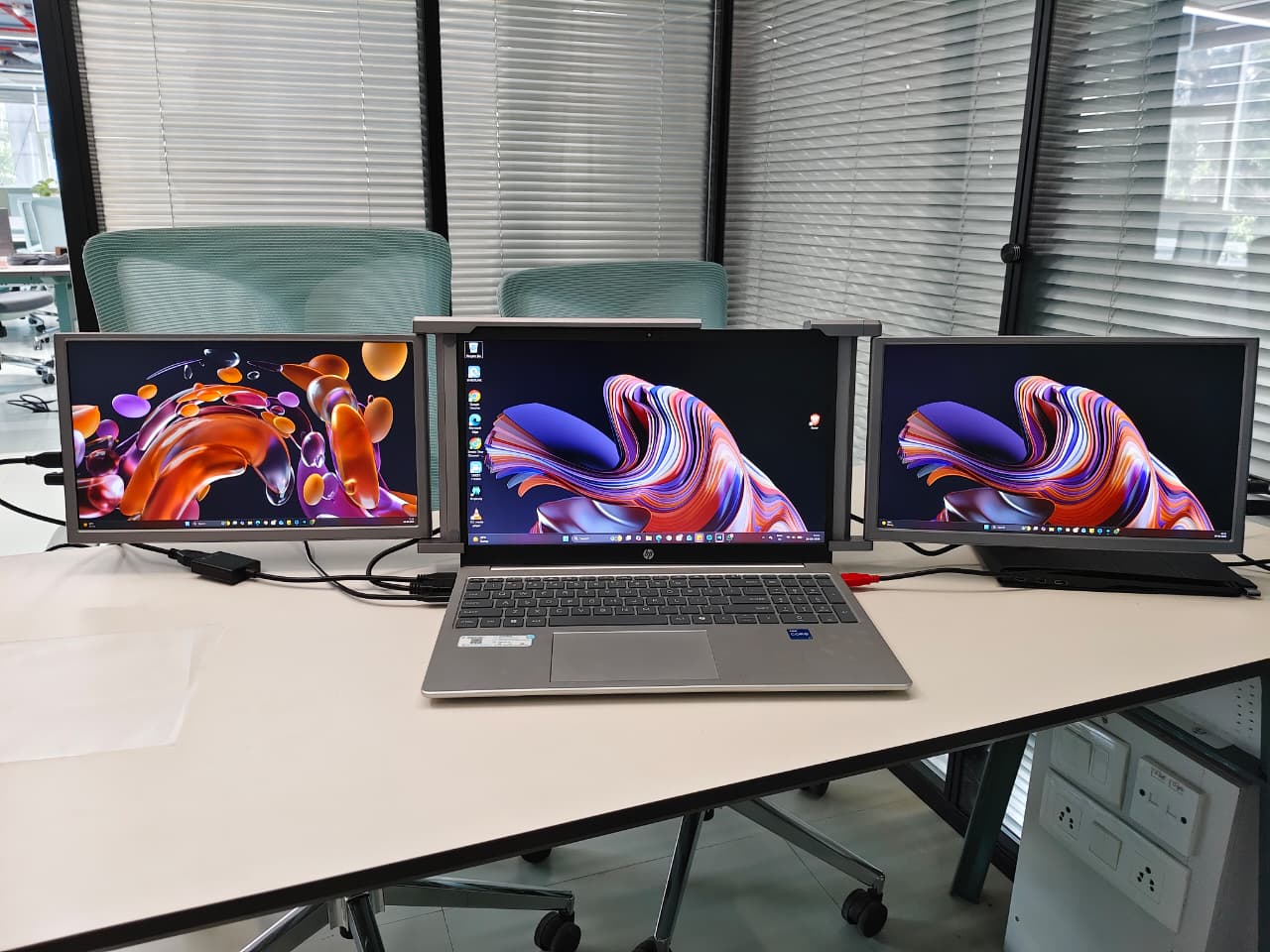
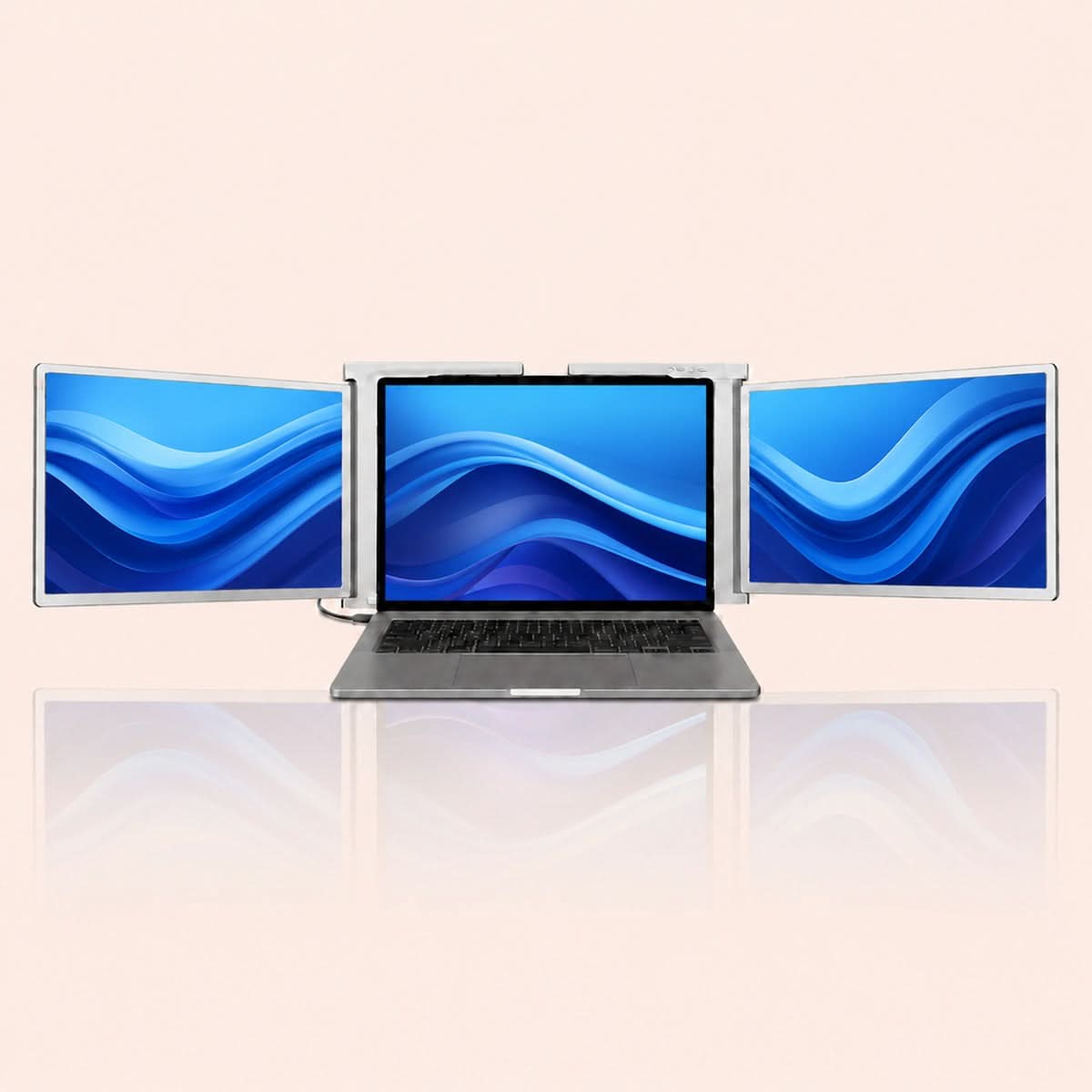
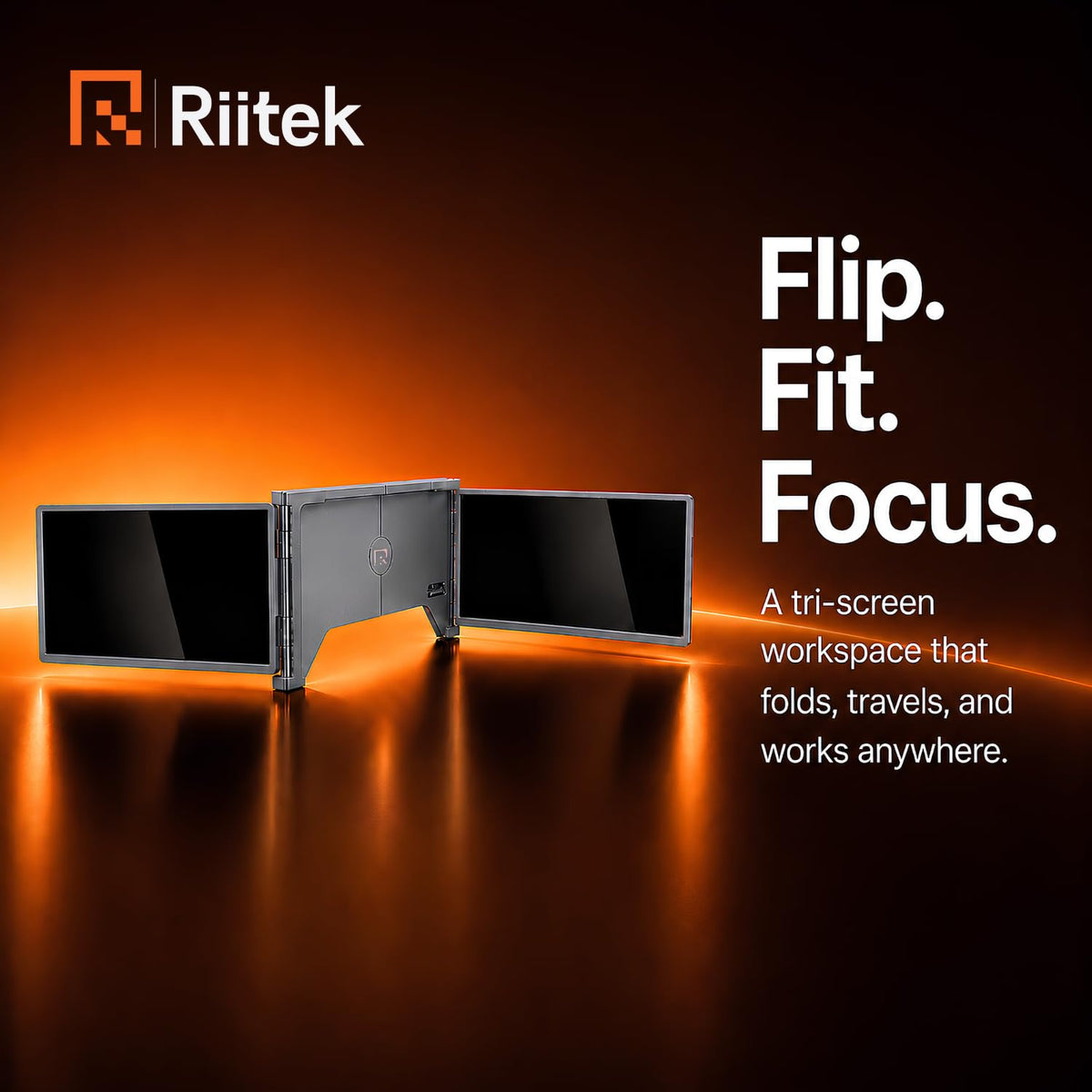
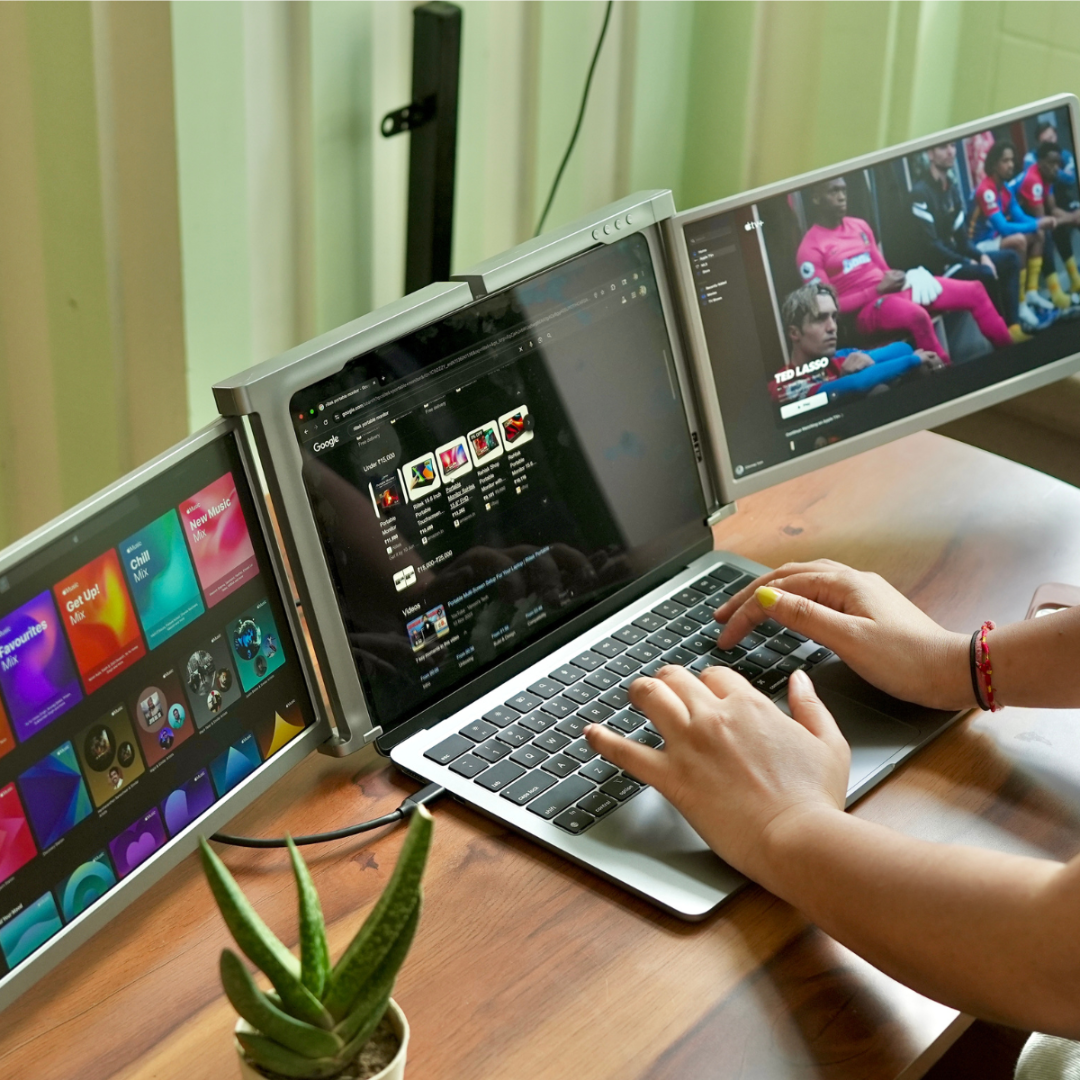
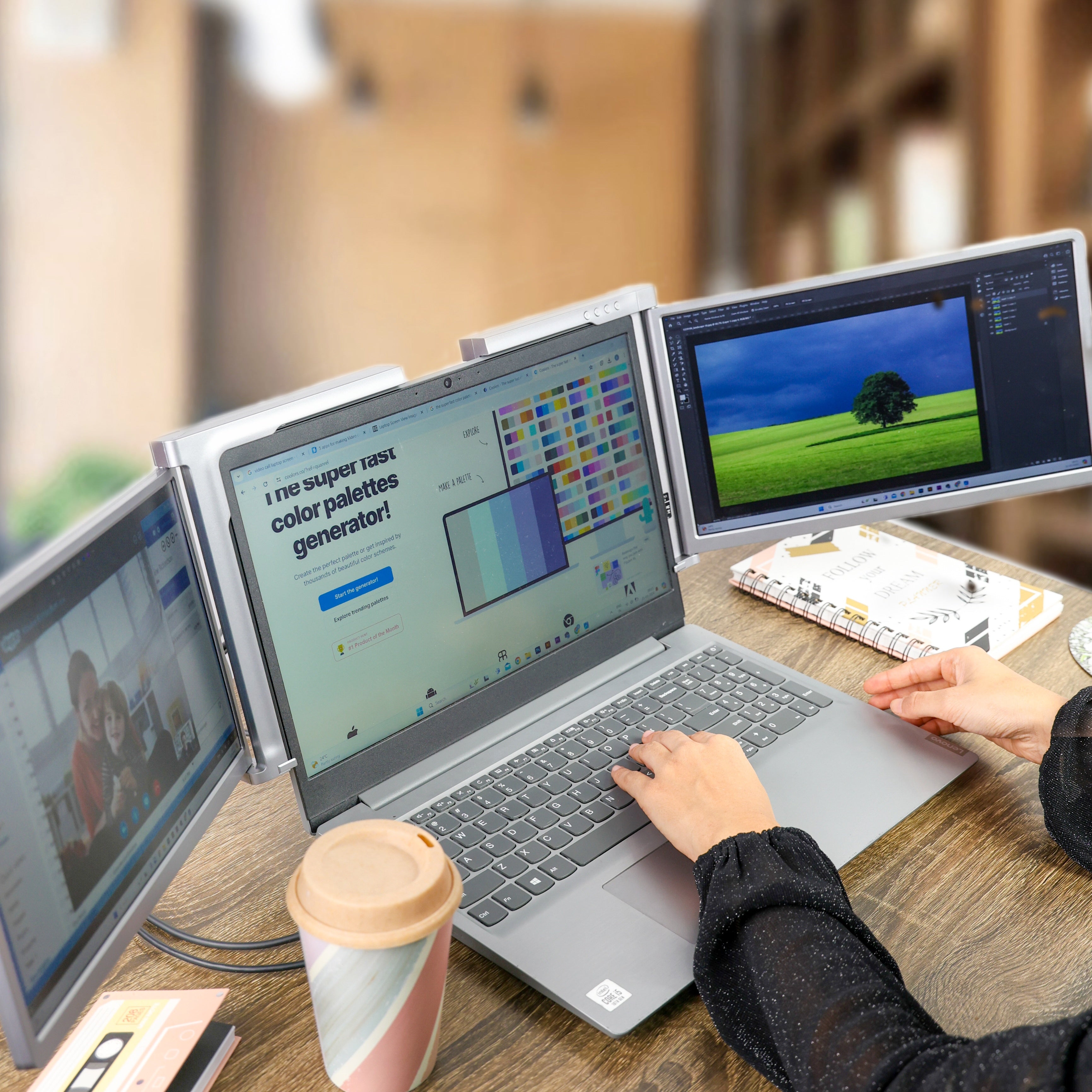
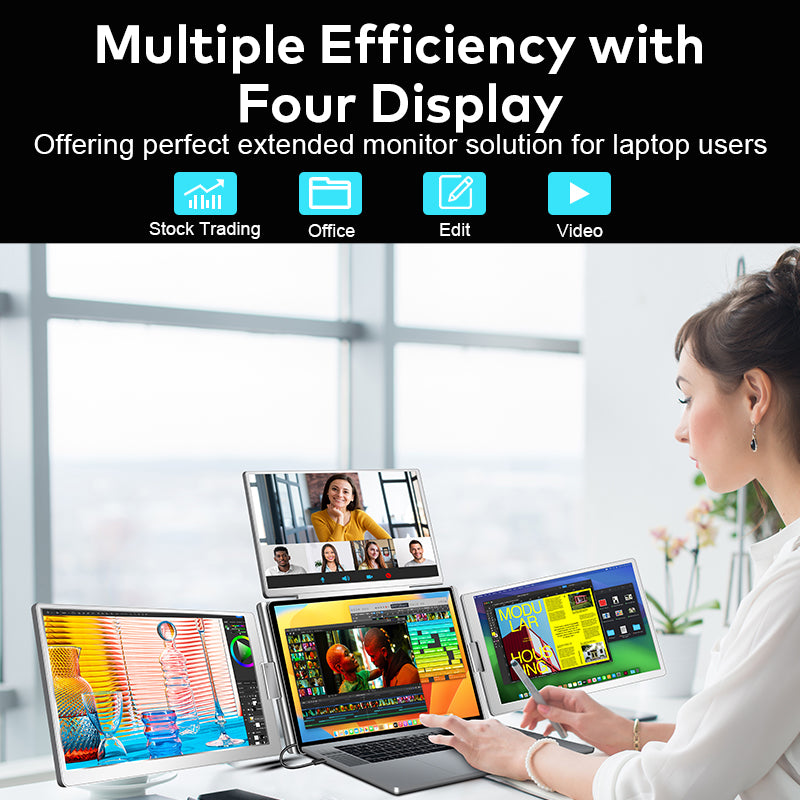
Experience next-level productivity with the RIITEK 13.3" Tri-Monitor Portable Laptop Screen Extender. Work, create, and multitask seamlessly with four displays — anywhere you go.

View more

More Screen. More Clarity .

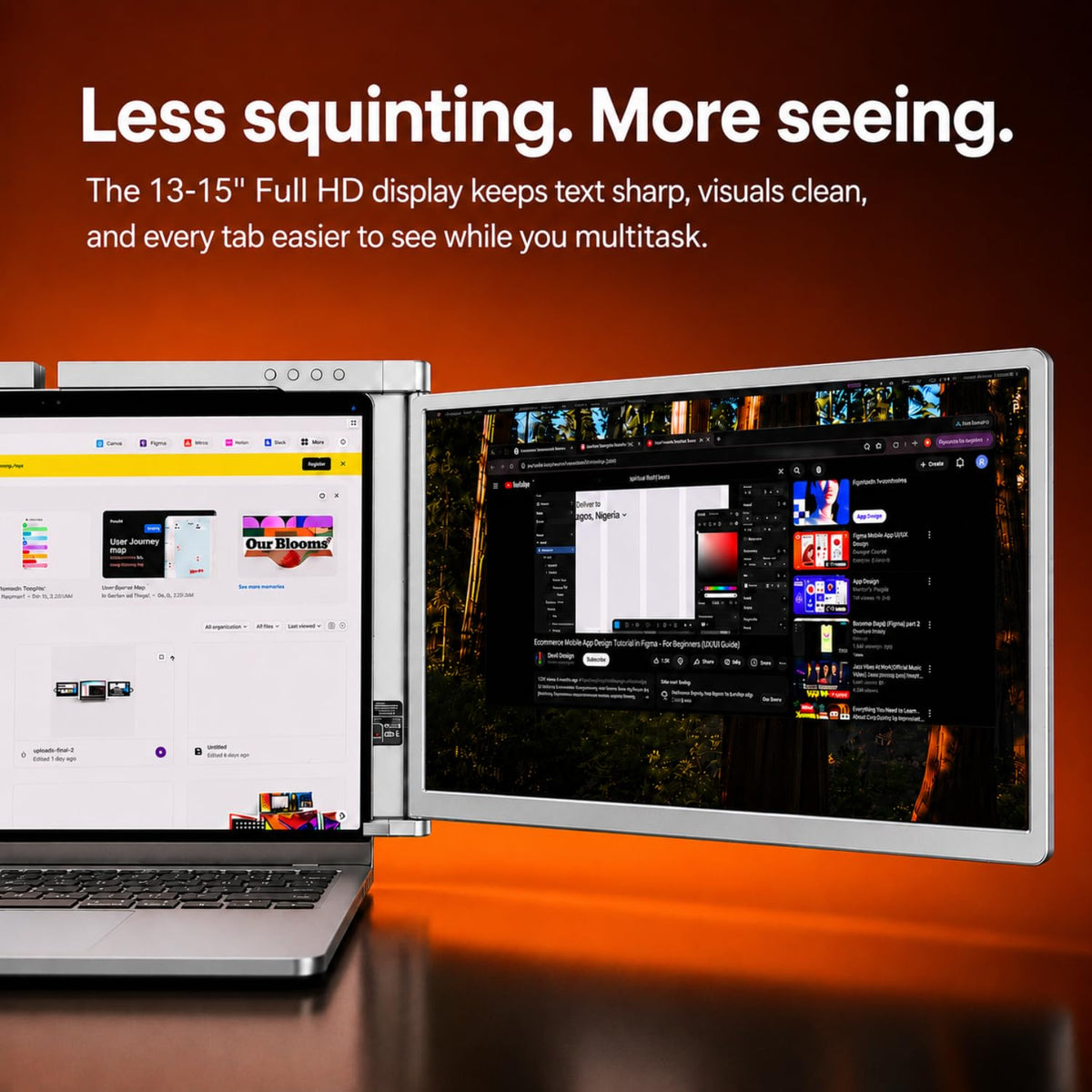
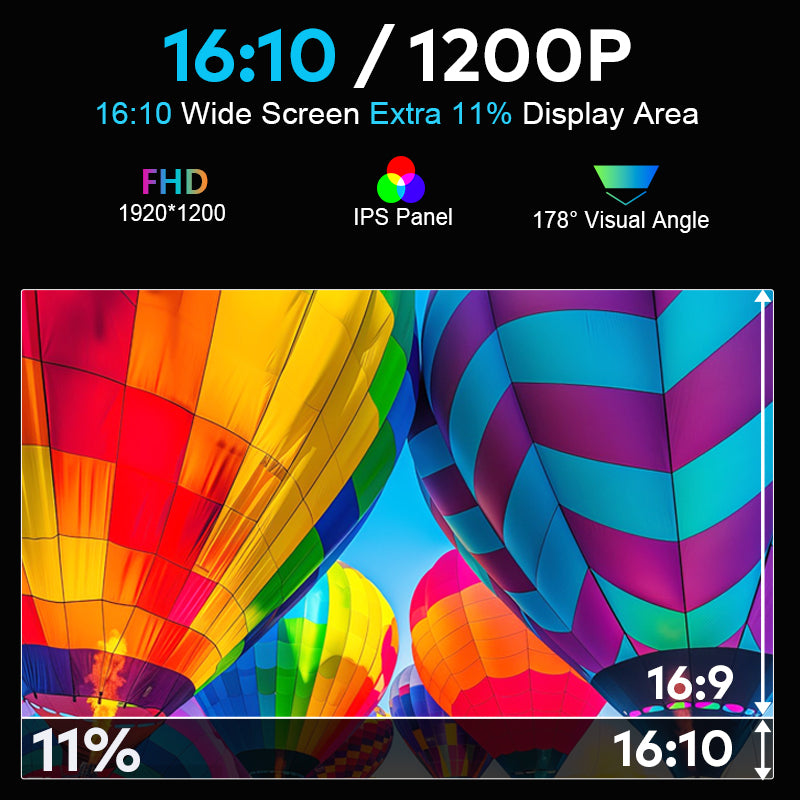
Experience enhanced productivity with a 16:10 aspect ratio that delivers up to 11% more screen space compared to standard displays. The 1920×1200 Full HD resolution ensures sharp visuals, while the IPS panel provides consistent colors from every angle. With a wide 178° viewing angle, you get a clear and vibrant display whether you're working, presenting, or multitasking across multiple screens.

One Cable. Total Control .

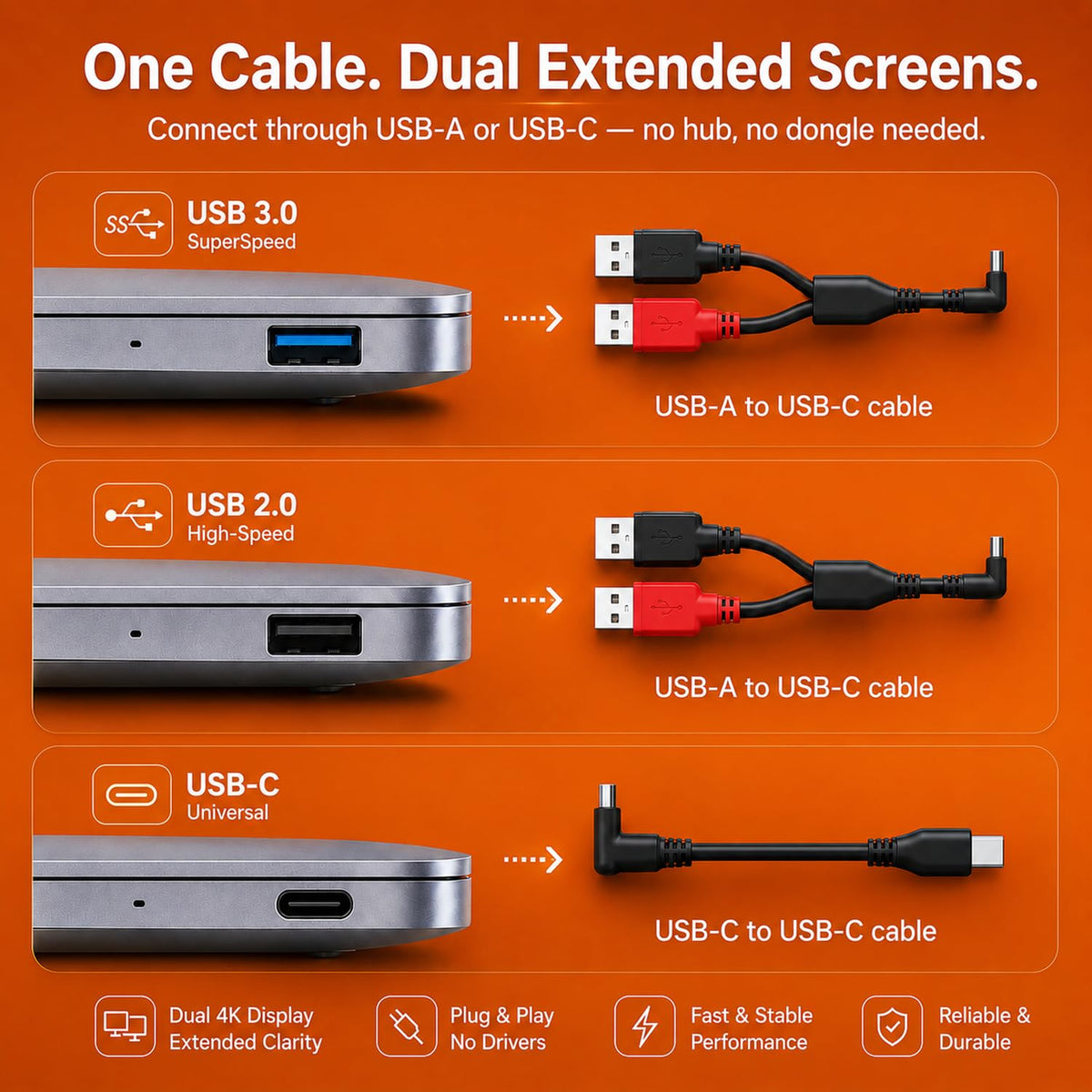
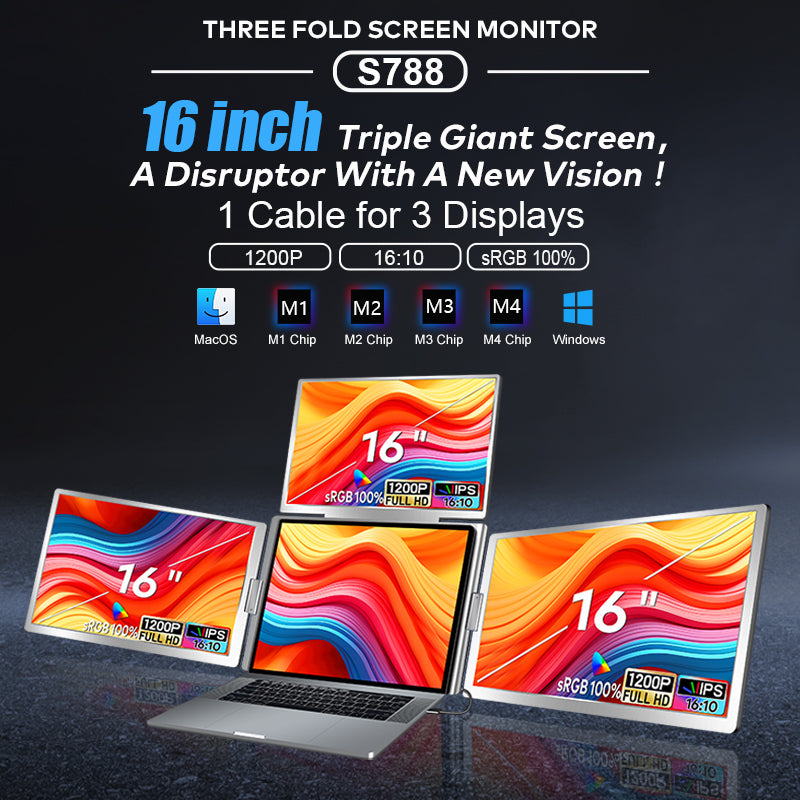
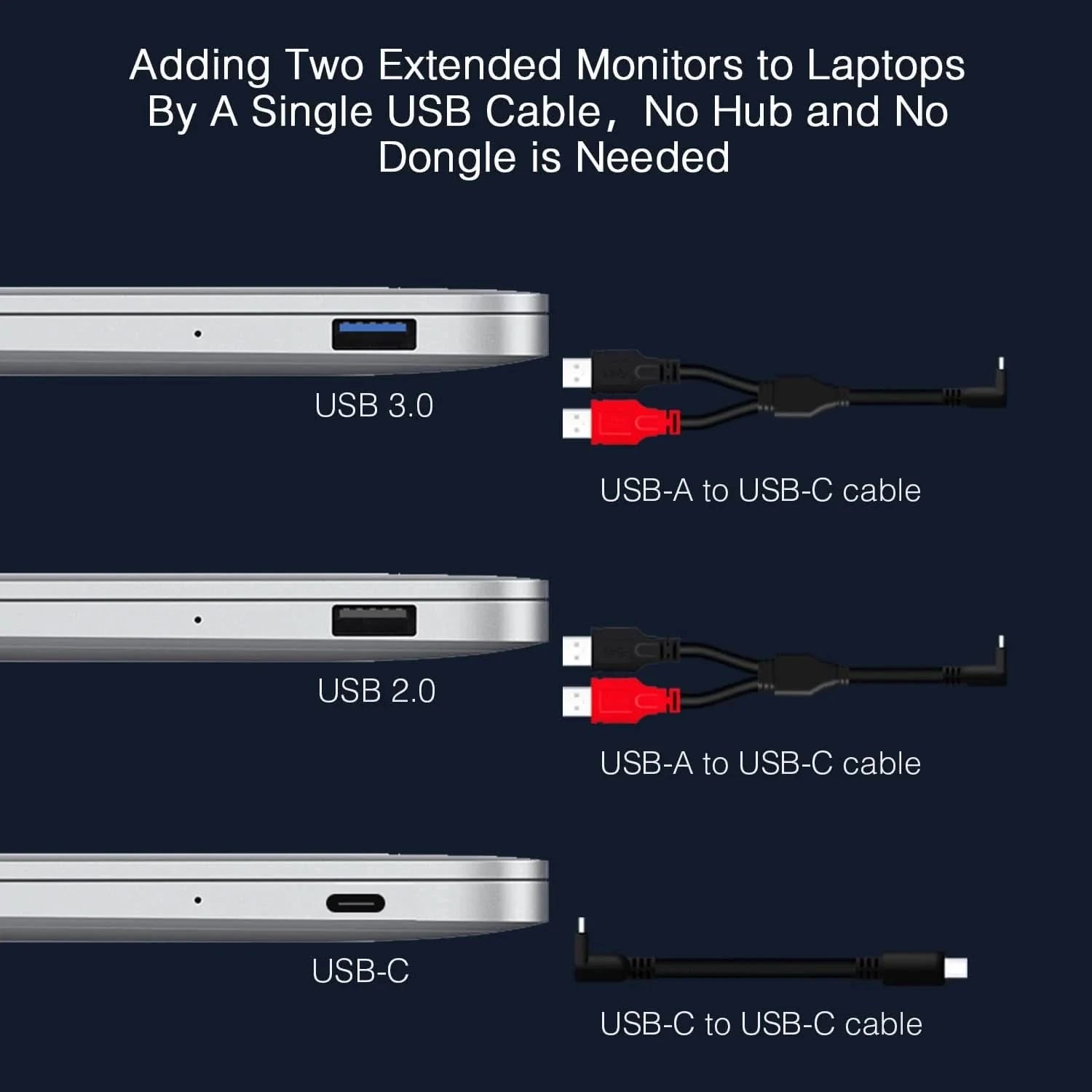
Simplify your workflow with a powerful triple-screen setup powered by a single cable connection. Designed for seamless compatibility with macOS (M1, M2, M3, M4) and Windows devices, the RIITEK quad monitor extender transforms your laptop into a full workstation instantly. No complicated setup — just plug in and unlock true multitasking efficiency.

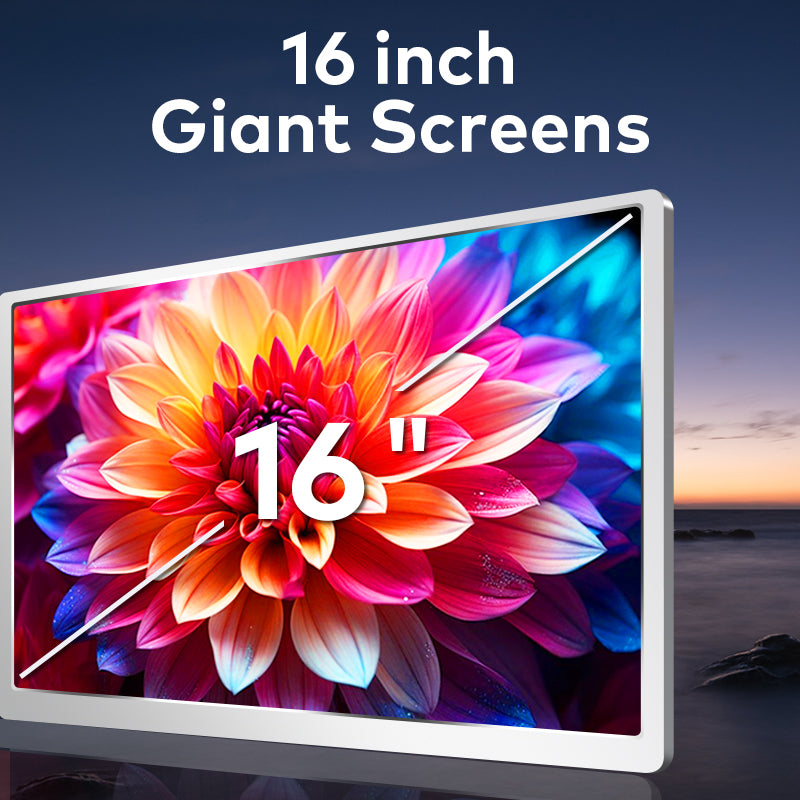
Bigger Screens. Better Work.

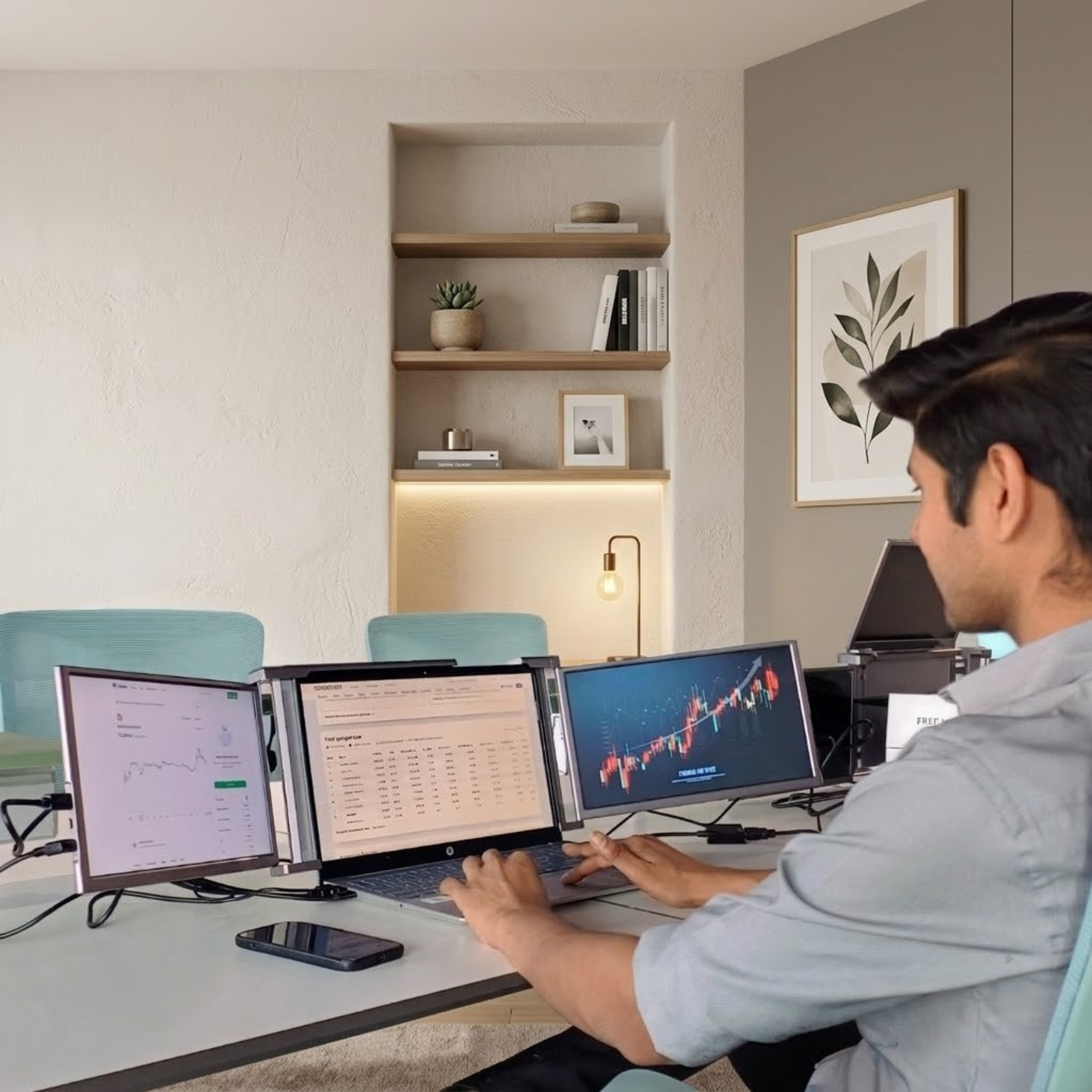
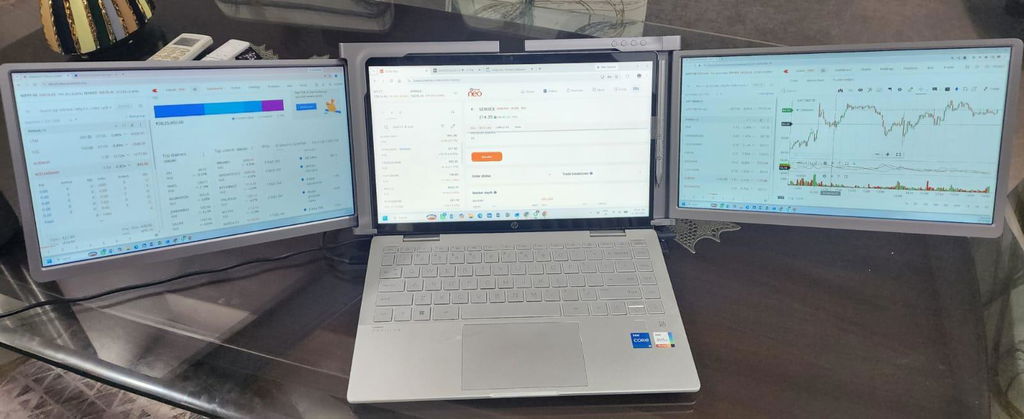
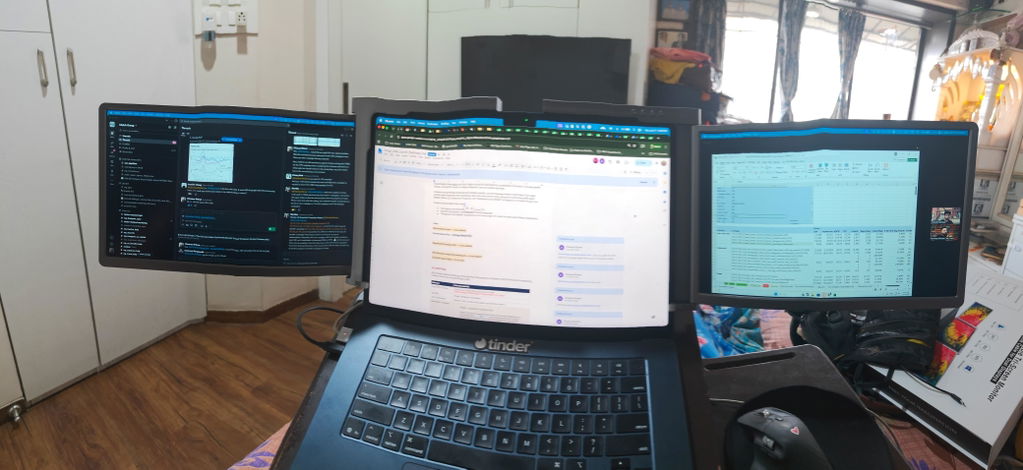
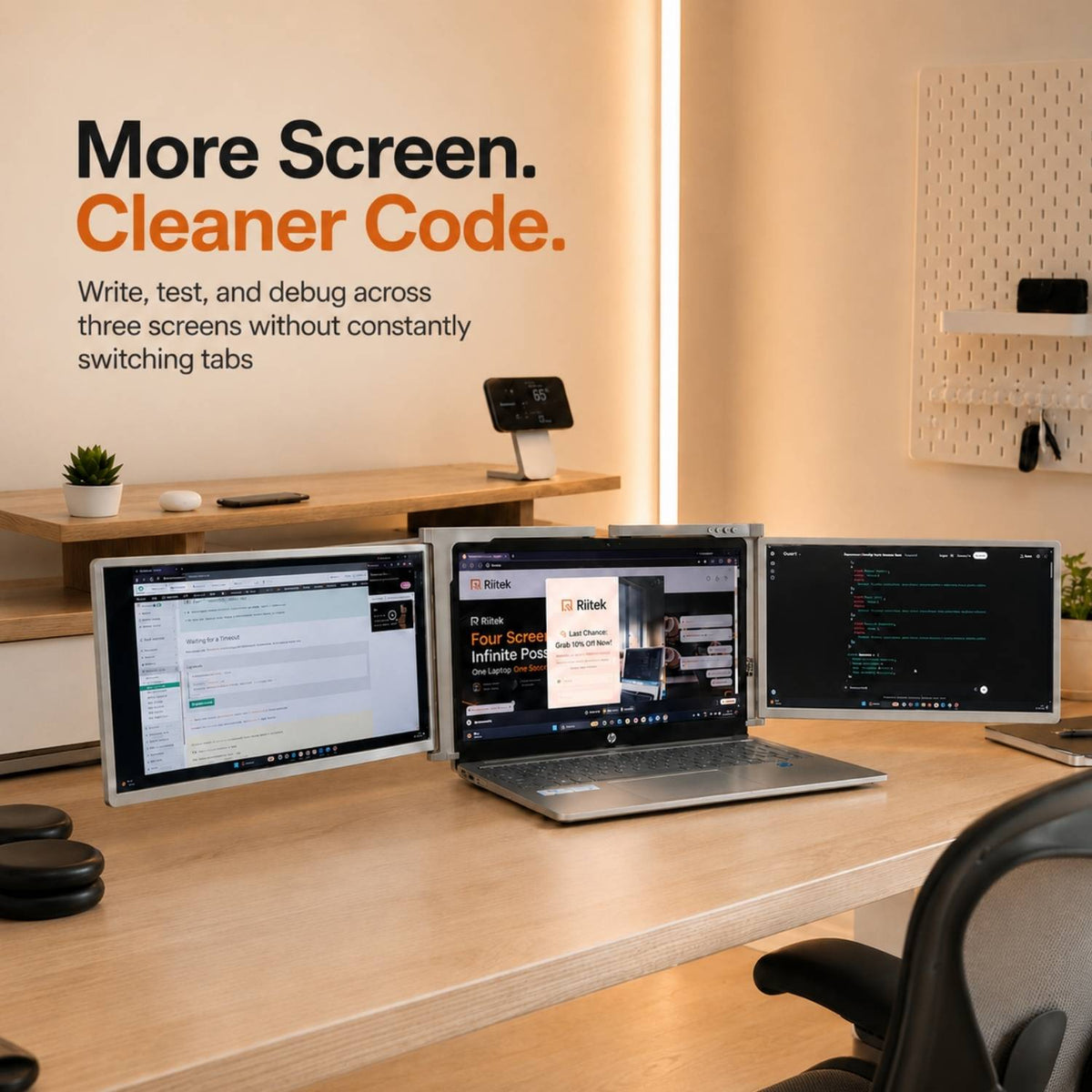
Upgrade your workspace with large 16-inch displays that give you more room to create, analyze, and manage tasks efficiently. Whether you're editing, coding, trading, or attending meetings, the expanded screen size reduces clutter and helps you stay focused without constantly switching between tabs.

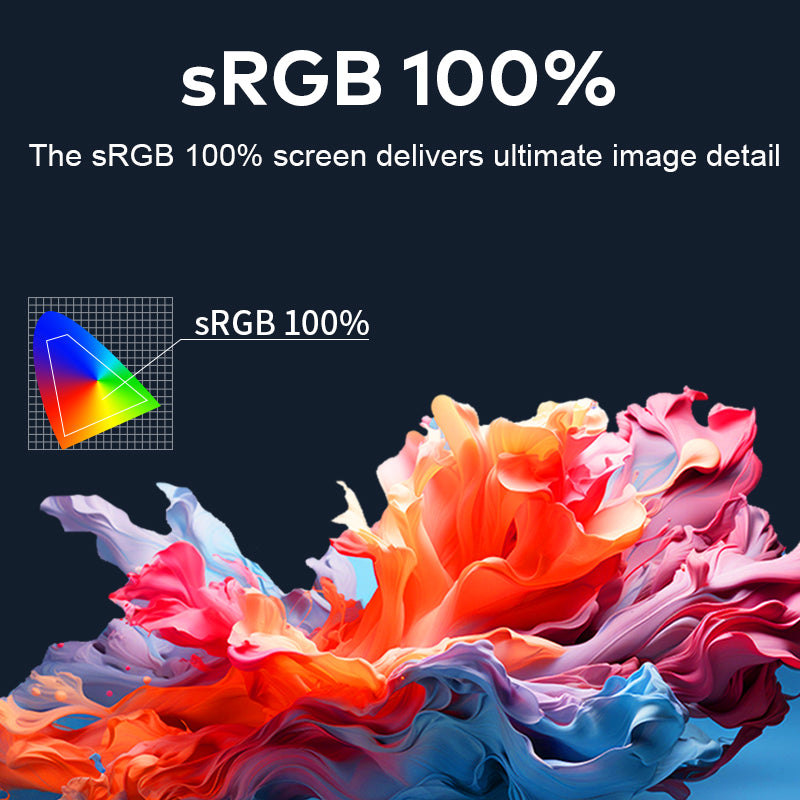
True-to-Life Colors

Enjoy stunning color accuracy with 100% sRGB coverage, delivering rich, vibrant, and lifelike visuals. Perfect for designers, content creators, and professionals who demand precision, the display ensures every detail is sharp and every color appears exactly as intended.

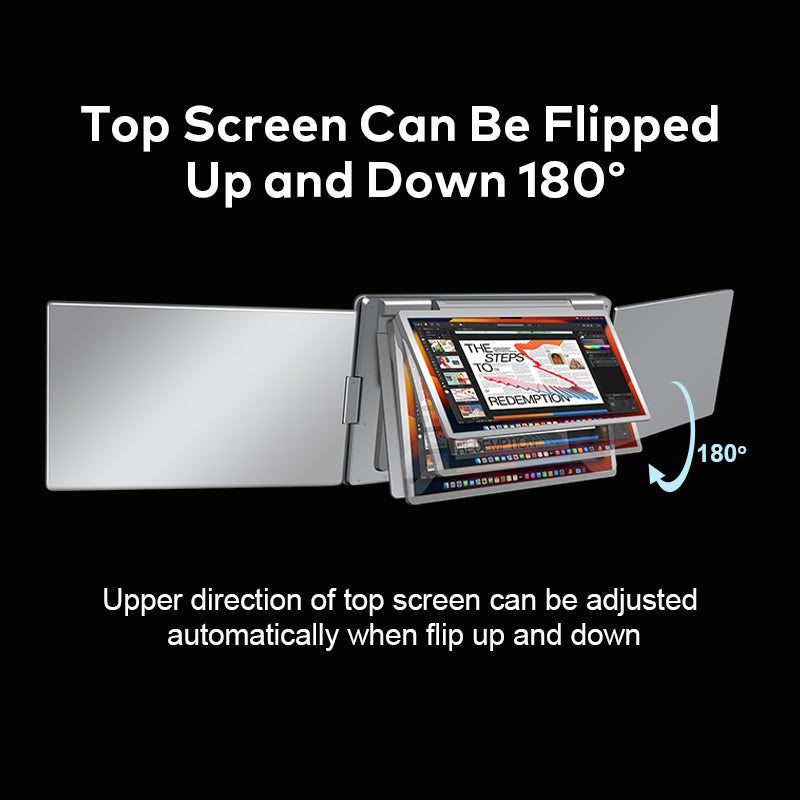
180° Vertical Versatility

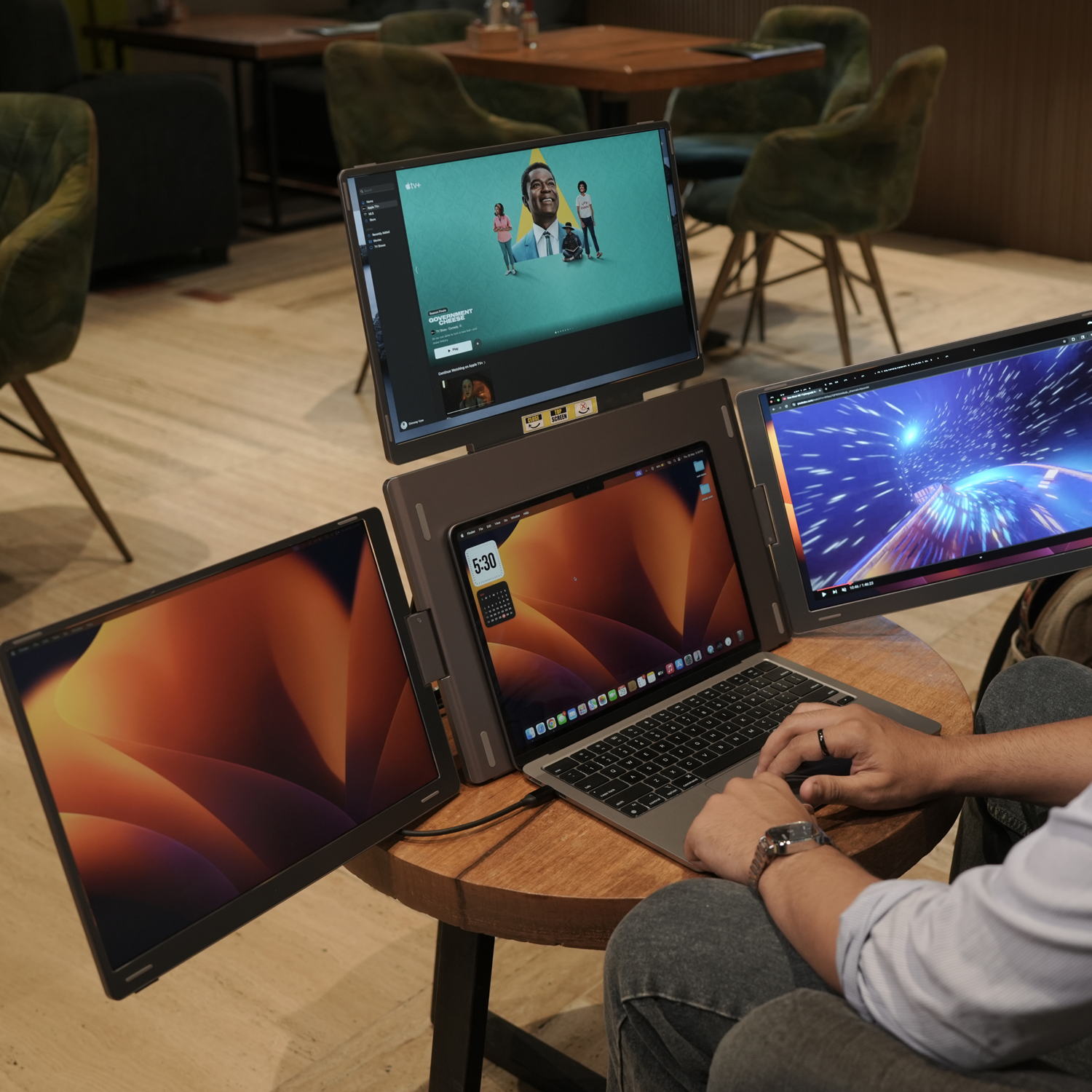
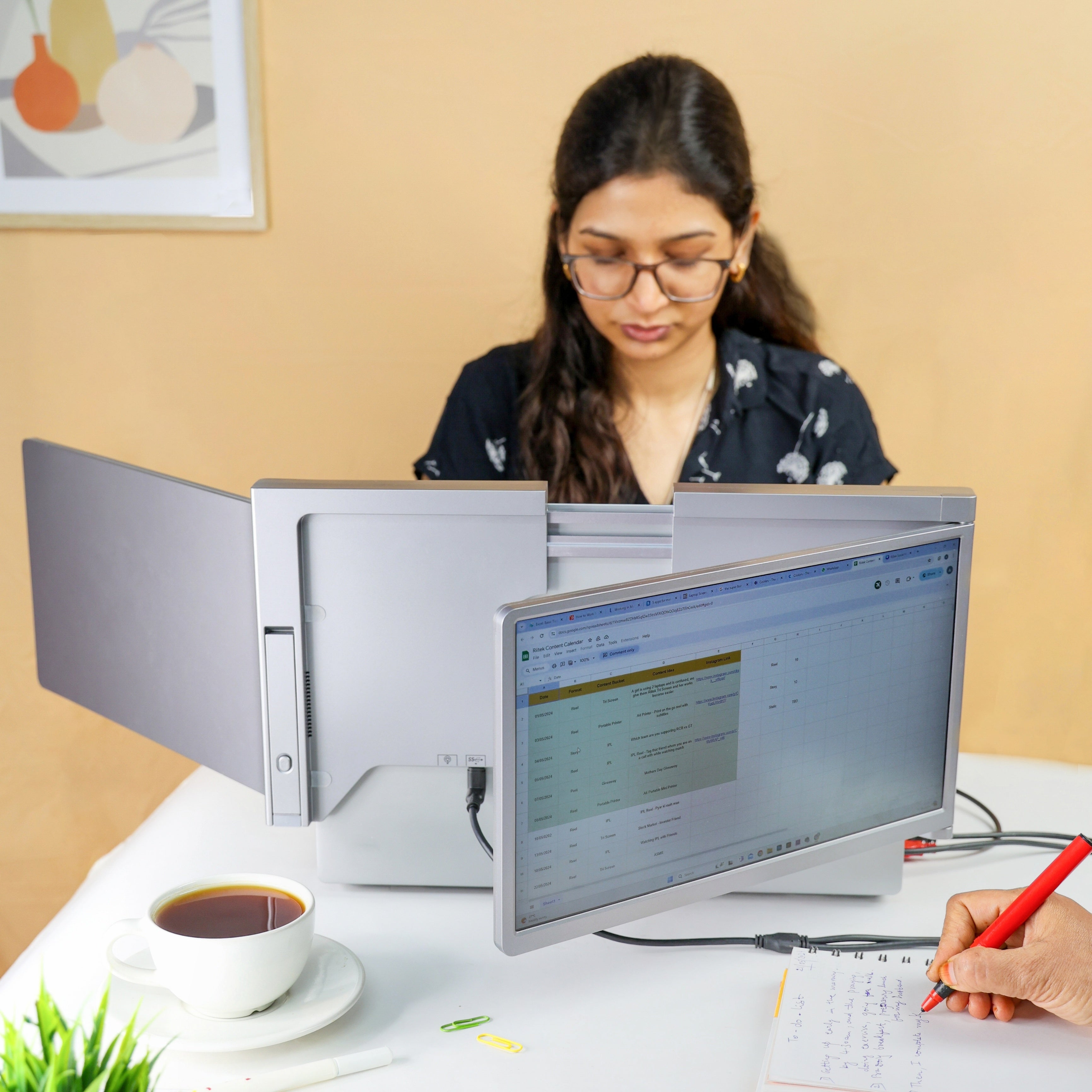
The top-mounted display features a precision-engineered hinge that allows for a full 180-degree vertical flip. This design is perfect for shared environments where you need to present data to a colleague sitting across from you. To ensure a seamless experience, the unit is equipped with advanced gravity sensors that automatically detect the orientation and rotate the content instantly. This eliminates the need for manual display adjustments, keeping your focus entirely on the task at hand.

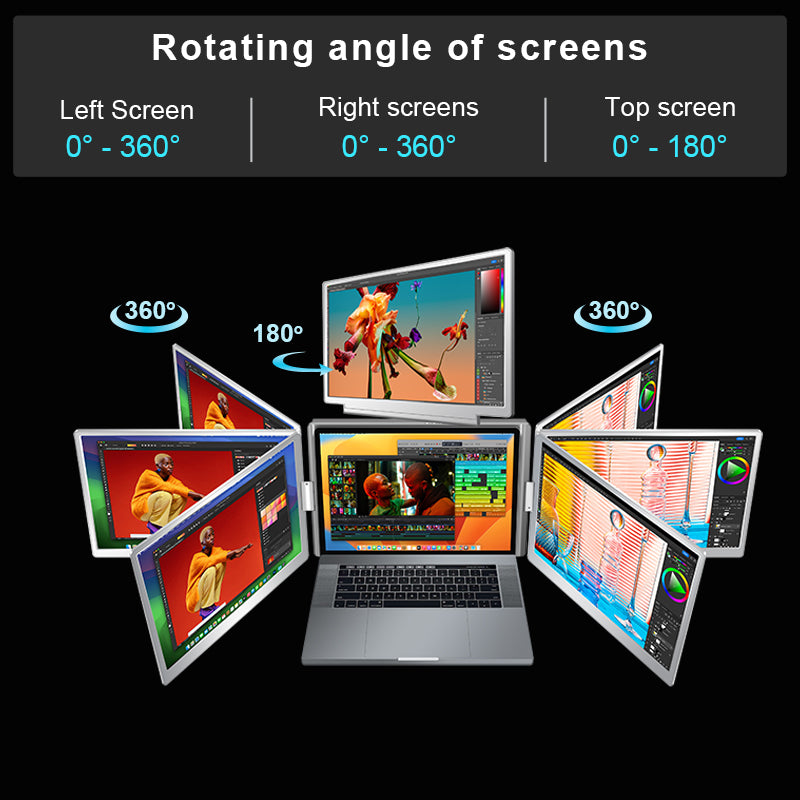
360° Panoramic Flexibility

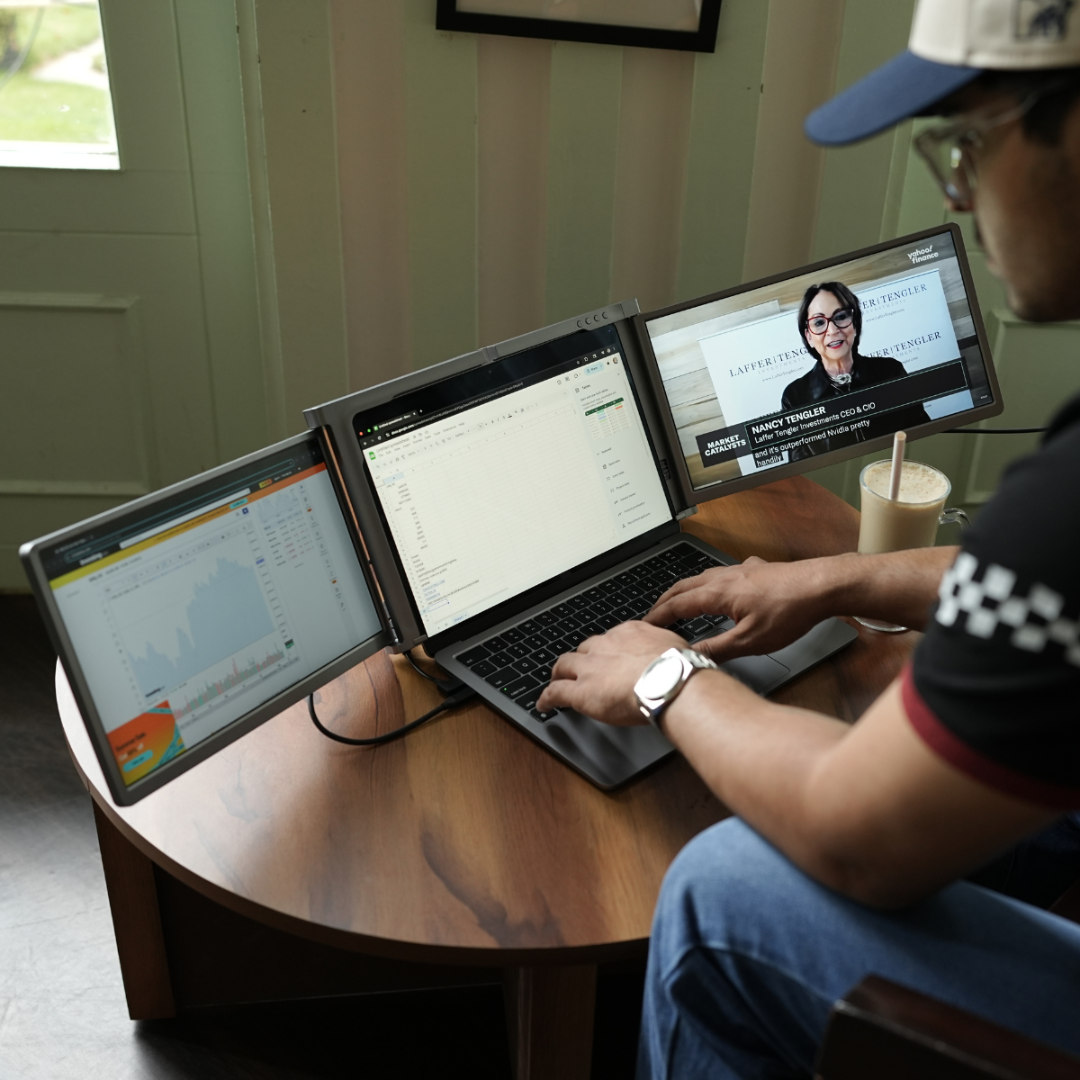
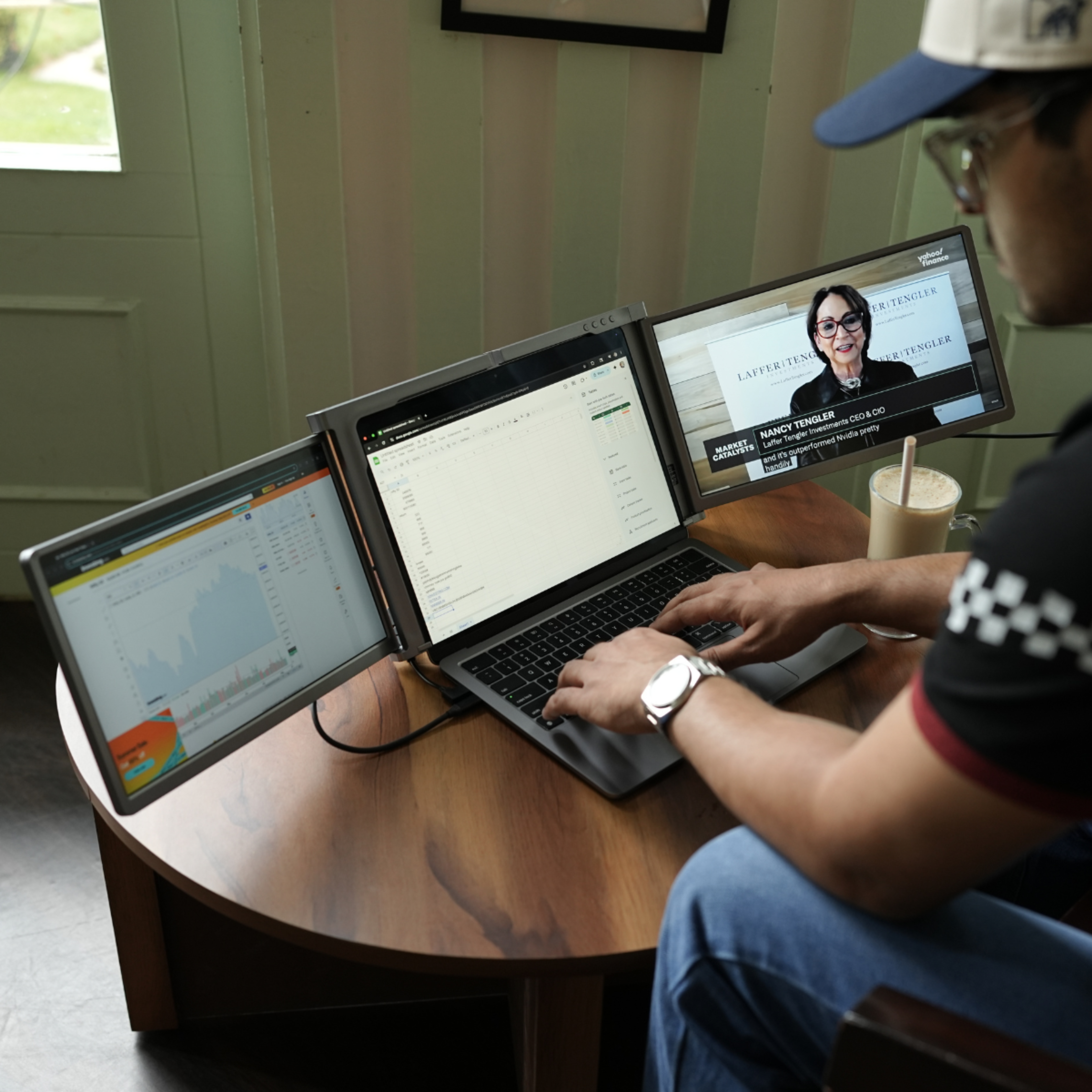
Experience true freedom of movement with side displays that support a 360-degree rotation. This allows you to configure your workspace into a "Cockpit Mode" for total immersion or fold the screens completely back for collaborative group discussions. The robust mechanical design ensures that once you find your perfect viewing angle, the screens remain securely in place, providing a consistent and stable visual experience throughout your workday.

Productivity Modes

Tailor your digital environment to suit your specific professional needs. With multiple supported display modes, you can switch between a vertical stack for long-form document reading, a panoramic spread for timeline-based video editing, or a presentation mode for client meetings. By distributing your applications across four high-definition screens, you eliminate the friction of constant tab-switching, resulting in a measurable boost to your daily output and efficiency.

Effortless Driver Integration

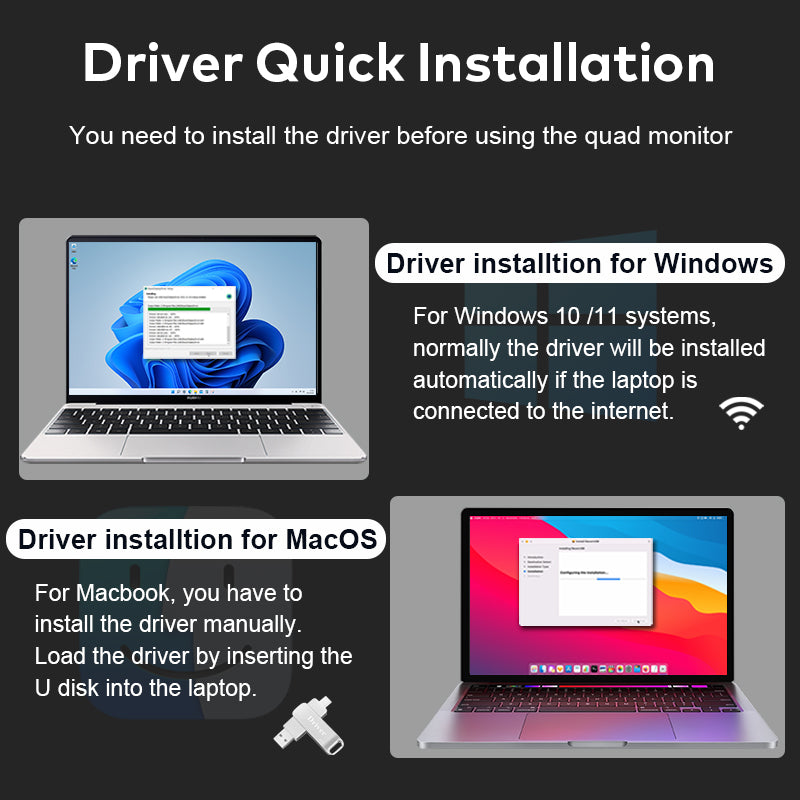
Getting started is simple and intuitive. For Windows 10 and 11 users, the system is designed to automatically detect and install the necessary drivers as soon as you connect to the internet. For macOS users, we provide a high-speed U-disk within the package containing all the necessary software for a quick, one-time installation. This plug-and-play philosophy ensures that you spend less time troubleshooting and more time being productive.

Boost Productivity with Expandable Laptop Displays

Lightweight & Portable

Turn Your Laptop into Dual Screen

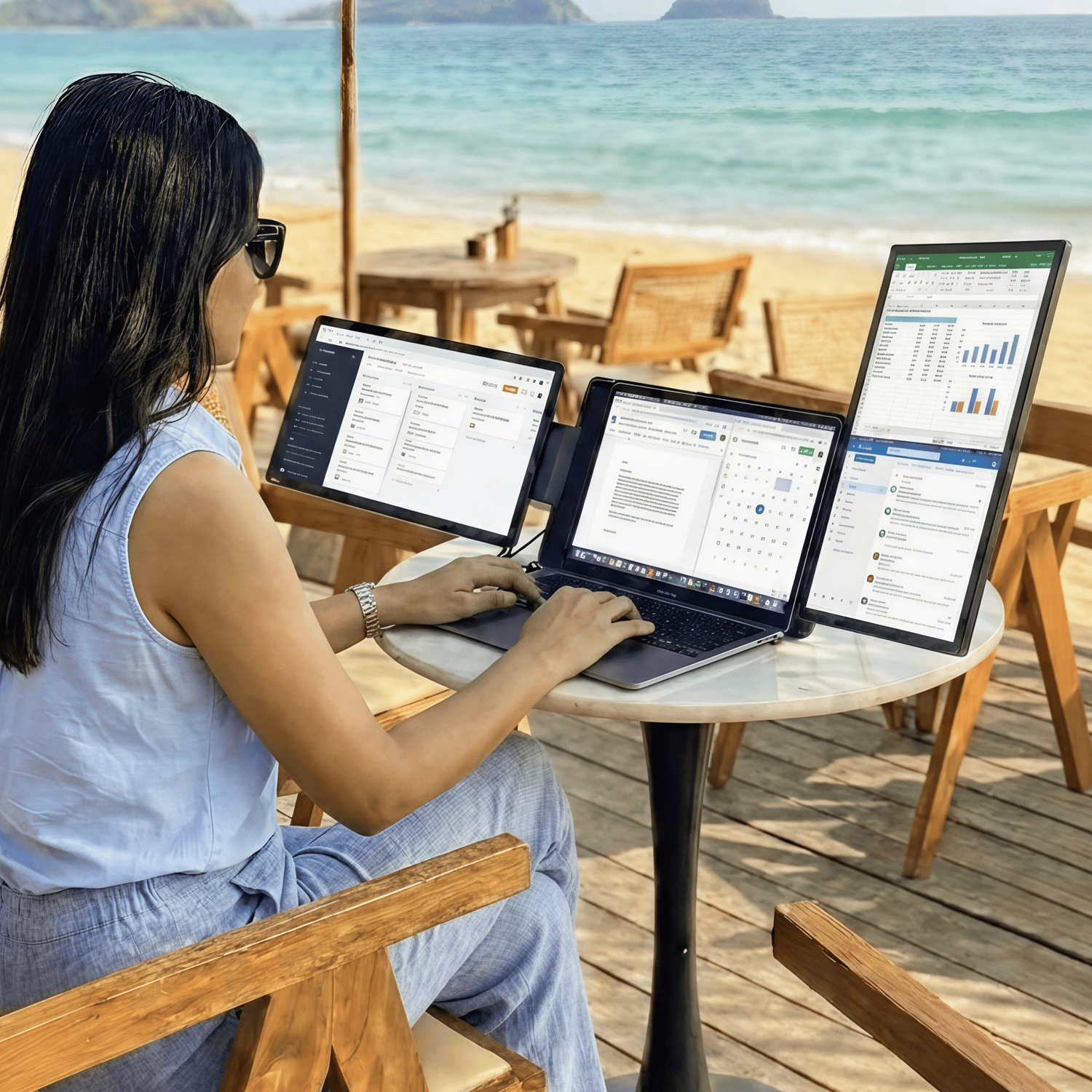
Expand Your Workspace Anywhere

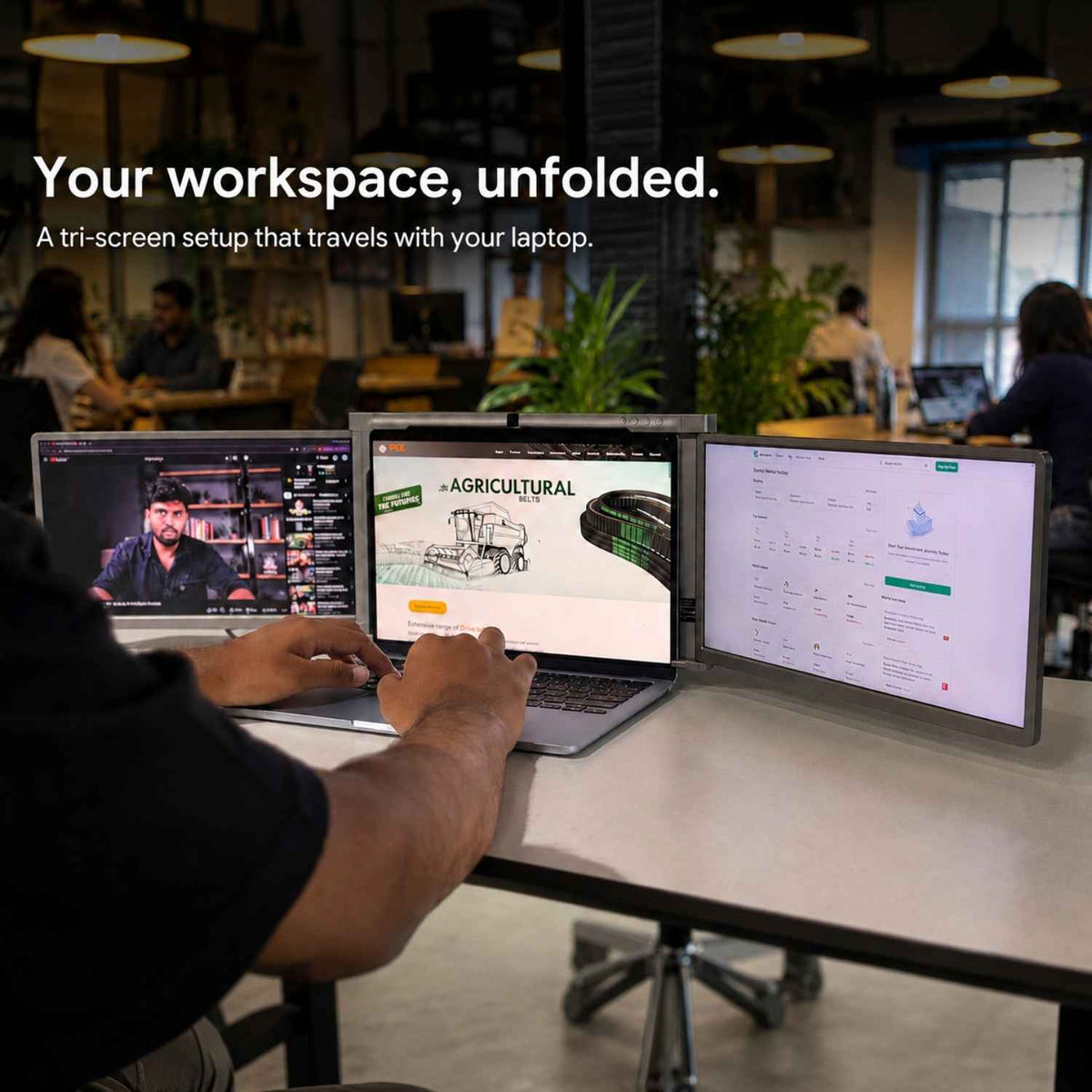
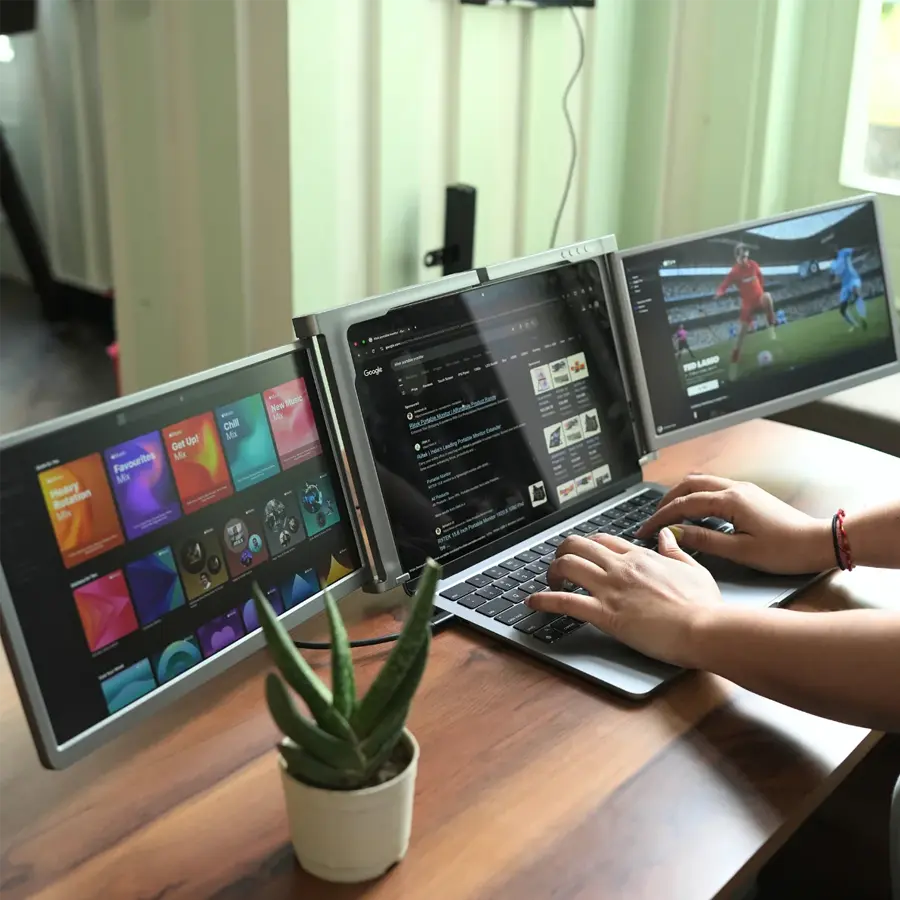
Work Smarter with 3 Screens

Upgrade your workspace with large 13-inch displays that give you more room to create, analyze, and manage tasks efficiently. Whether you're editing, coding, trading, or attending meetings, the expanded screen size reduces clutter and helps you stay focused without constantly switching between tabs.


Enjoy crisp visuals with 13” Full HD screens, delivering vibrant colors and sharp clarity for work, entertainment, and creative tasks.

Connection method

Your Laptop Must Have the Following Port Configuration:

• 1× Thunderbolt 3/4 Port
(USB-C 3.1 Gen 2 / USB-C 3.2 / USB4 Supported)

• 1× Full-Function USB-C Port
(Supports Video Transmission & Power Delivery)

• 1× Full-Function USB-A Port
(Supports Video Transmission & Power Delivery)

Shop the Insta Feed

Discover premium audio from our Instagram and shop now.

We help you be more Productive

Your laptop needs a high-performance sidekick. Everything it has always been missing, all in one.

Performance. Taken Further.

Your laptop needs a high-performance sidekick. Everything it has always been missing, all in one.

Why Customers Choose Riitek

Riitek is trusted for its quality, innovation, and user-friendly products. With strong performance and a reliable presence on Amazon, it continues to earn customer confidence worldwide.

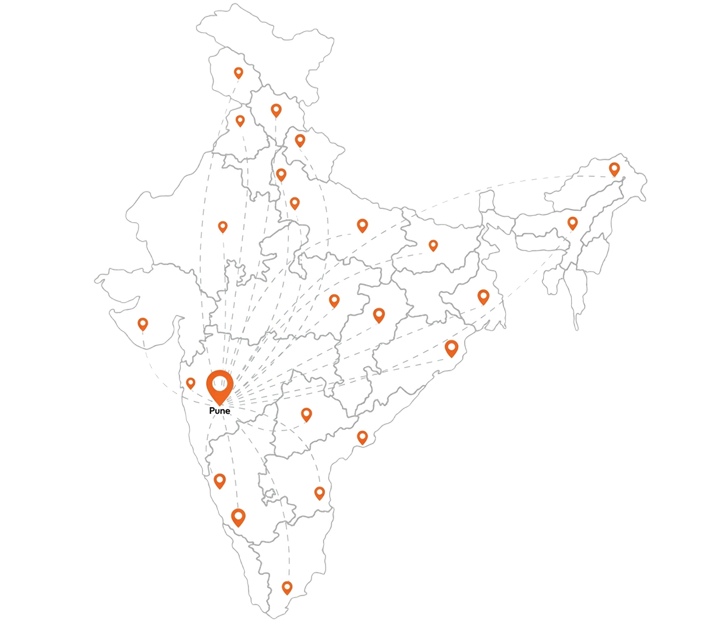
Nation wide Service Network

Get Every Conrner in india

Pan India Delivery

We deliver to 85+ Cities with tracked shipping.

Secure Payments

100% secure checkout with multiple payment options.

Get Product Knowledge

Talk to experts for the product insights.

Ask Post Purchase Installation

Online Demo at your convenience.

After Sales Coverage

7-Day Replacement & 1-Year's of Warrenty.

Easy Installation Support

Hassle-free installation and demo support.

FAQs

Please read our FAQs page to find out more.

Does it support MacBook M-series?

Yes. The RIITEK S788 is fully optimized for universal compatibility. It works seamlessly with both Windows and macOS, including full support for Apple’s M1, M2, M3, and M4 Silicon chips. It is designed to fit almost any laptop with a screen size between 12" and 18.5".

How many cables are required?

The monitor features advanced Single-Cable Technology. On most modern laptops with a full-featured USB-C port, you only need one USB-C to USB-C cable to power and transmit video signals to all three screens simultaneously. For older laptops, a dual USB-A connection option is also supported.

Is it safe for my laptop hinges?

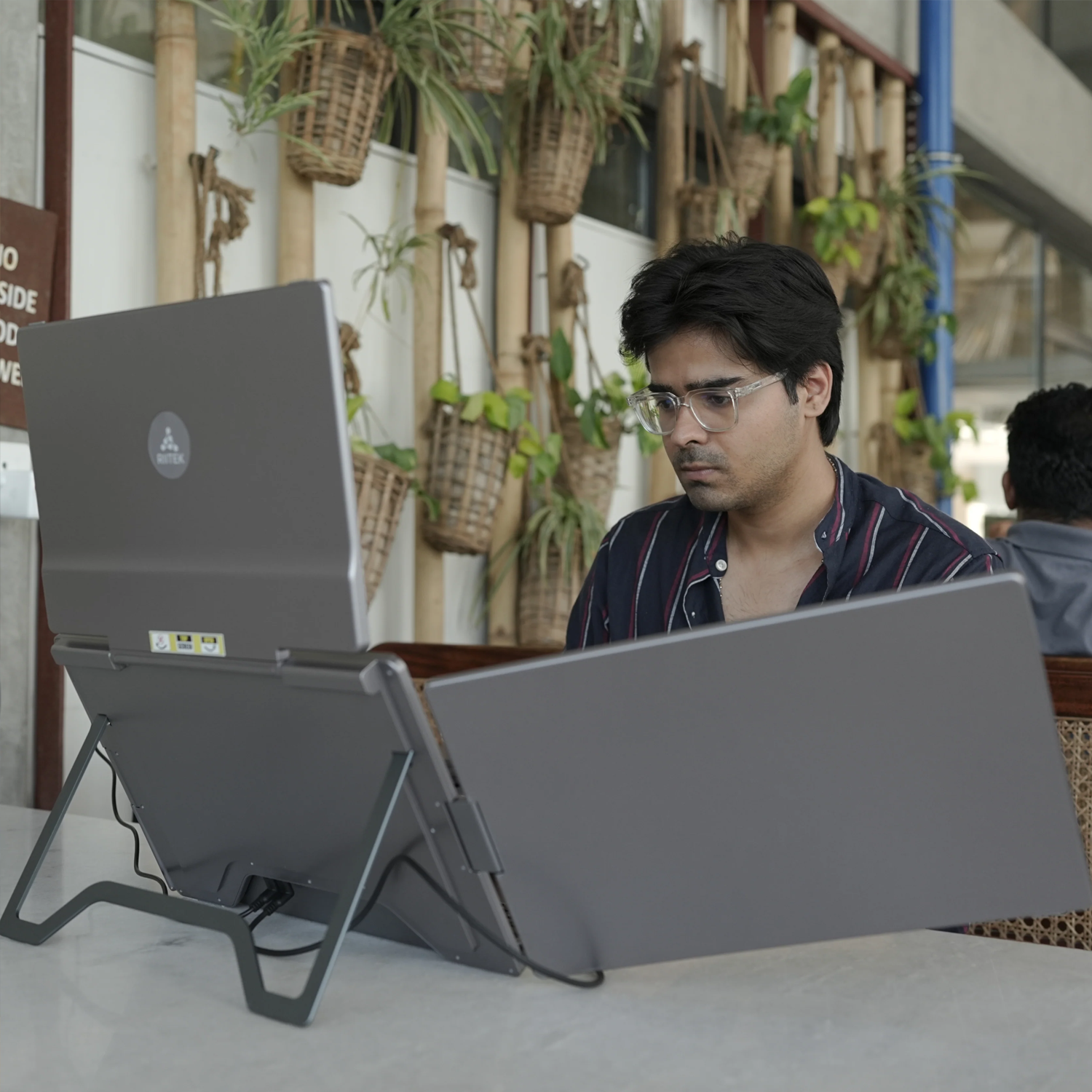
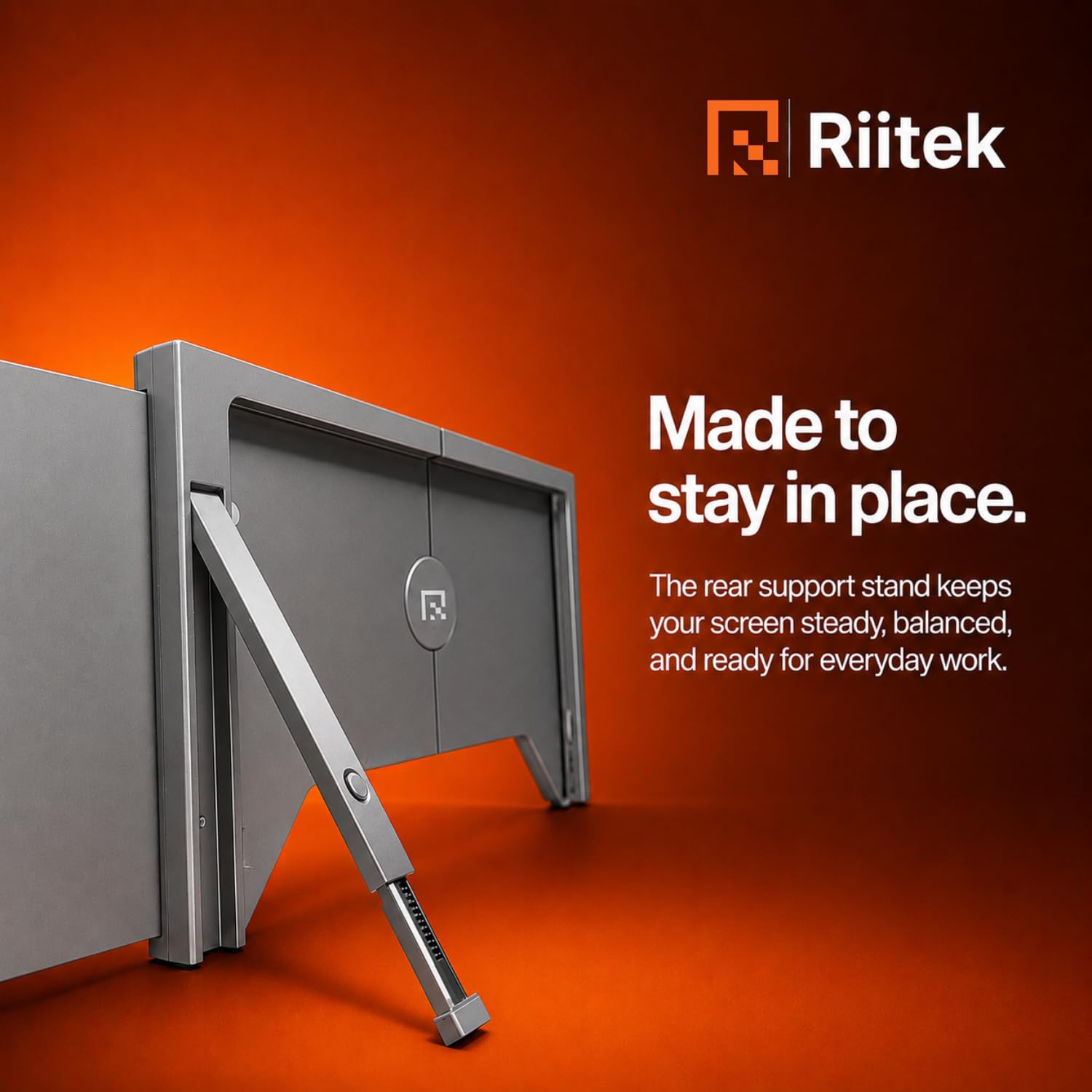
Absolutely. We have designed this unit with a built-in adjustable telescopic kickstand. This stand acts as the primary support for the monitor, bearing the weight of the screens and ensuring that no unnecessary pressure or strain is placed on your laptop’s hardware or hinges.

Is the driver setup difficult?

The setup is designed to be user-friendly and quick. For Windows 10 and 11, the drivers typically install automatically once connected to the internet. For macOS users, we provide a high-speed U-disk in the package for a simple, one-time driver installation, making it a true plug-and-play experience thereafter.

Can I control screens independently?

Yes. Unlike many other extenders, the RIITEK Quad Monitor features independent control buttons for each display. This allows you to customize the brightness, contrast, and backlight settings for every screen separately to match your specific lighting environment and visual comfort.

Didn’t find your answer?

Don't hestitate to contact us

Comparison

What's new?

Compare our newest multi-screen display solutions.

Tri-monitor(16 Inches)

Tri - 14 (Dual-Cable)

Tri-monitor(13.3 Inches)

Screen Size

16 Inches

IPS Display

‎14 Inches

LCD

13.3 Inches

LCD

Resolution

1200p

1920 x 1200

1080p

1920 × 1080

1080p

‎1920 x 1080

Brightness

300 nits

Maximum Brightness

300 nits

Maximum Brightness

300 nits

Maximum Brightness

Color Gamut

72% NTSC | 100% sRGB

72% NTSC | 100% sRGB

72% NTSC | 100% sRGB

Aspect Ratio

16:10

16:9

‎16:9

Weight

1.76 kg

1.42kg

1.35 kg

Dimensions

13.44" × 8.83" × 0.9" (Folded)

40.25" × 8.83" × 0.9" (Unfolded)

13.44" × 8.83" × 0.9" (Folded)

40.25" × 8.83" × 0.9" (Unfolded)

13.44" × 8.83" × 0.9" (Folded)

40.25" × 8.83" × 0.9" (Unfolded)

Compatibility

macOS and Windows

macOS and Windows

macOS and Windows