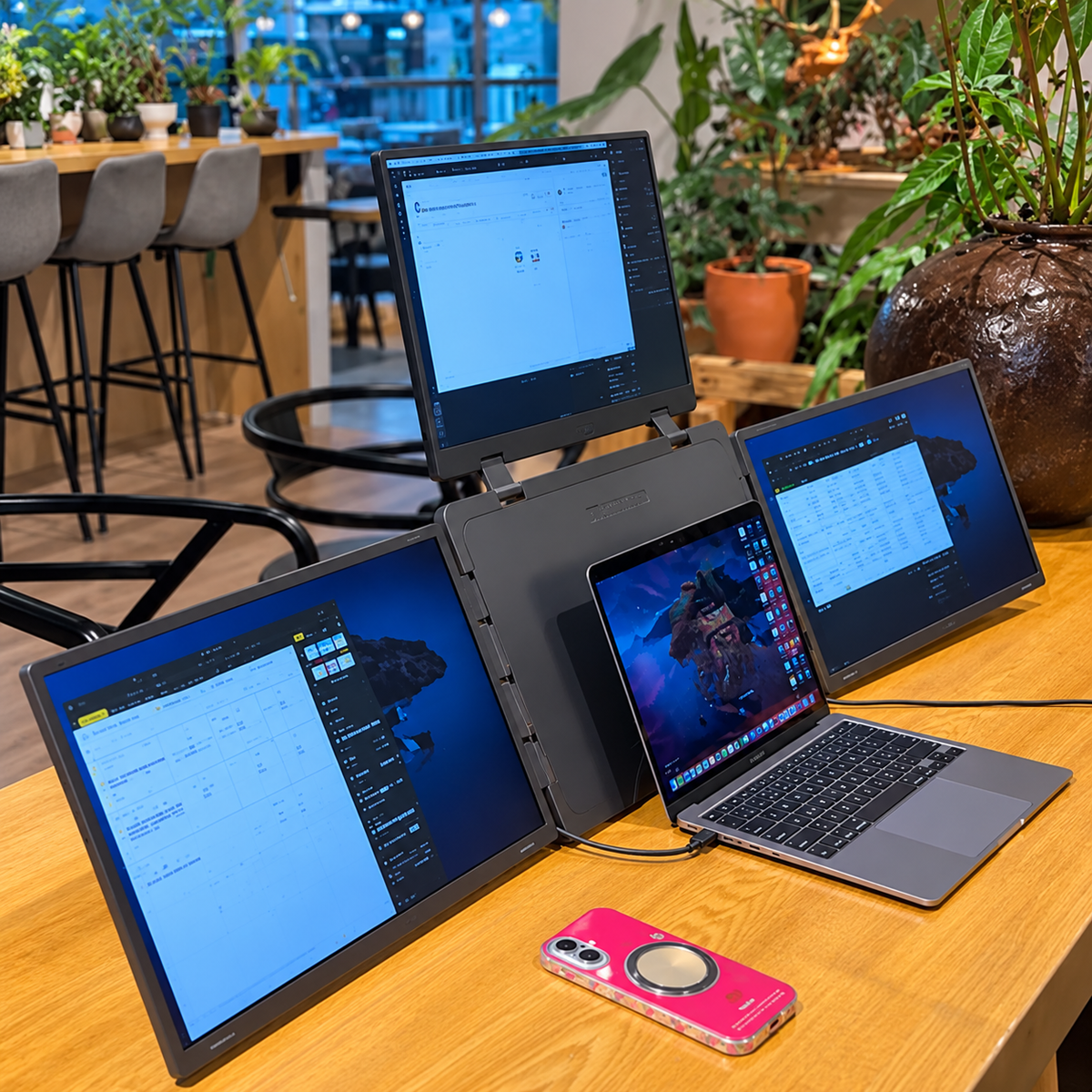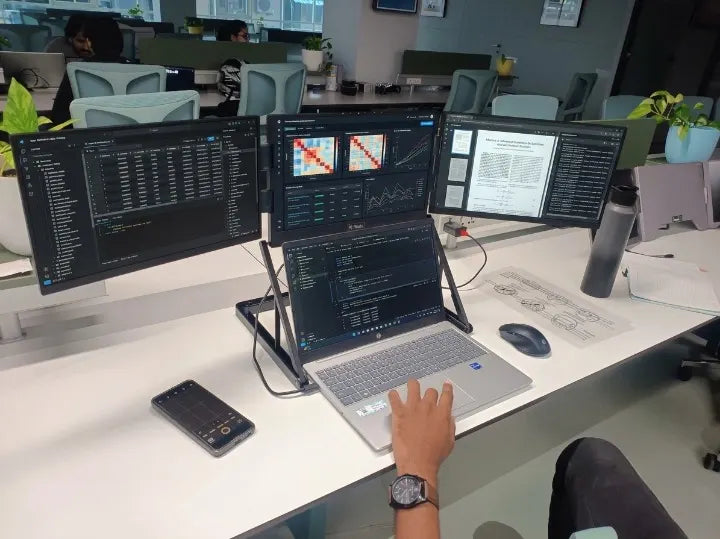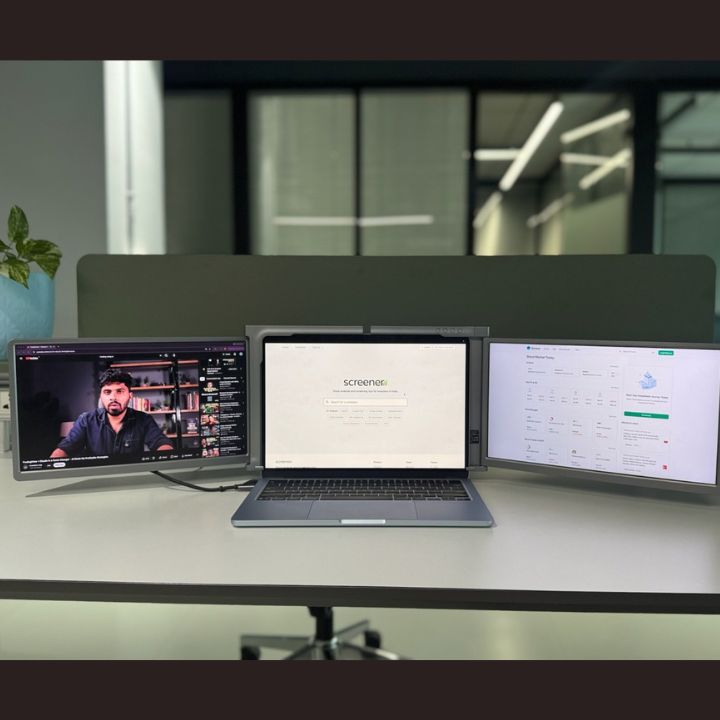

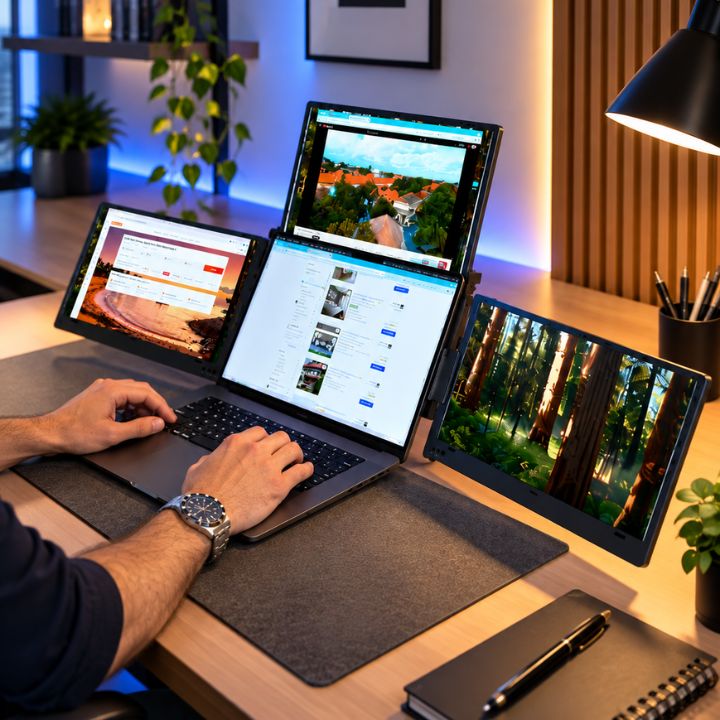
Working with multiple apps on one laptop screen can quickly become difficult. Switching between spreadsheets, browser tabs, meetings, trading charts, and other tools can slow down your workflow. A 16 inch portable monitor offers a practical way to add more screen space while keeping your setup flexible.
For professionals who need even more room, a quad-screen setup can turn a regular laptop into a powerful multi-display workstation. With a portable quad monitor, you can manage several tasks at the same time without depending on a fixed desktop setup.
Why Choose a 16 Inch Portable Monitor?
A 16 inch portable monitor provides a good balance between screen size and portability. It gives you more viewing space while remaining suitable for work, travel, and different desk environments.
The larger display can make everyday tasks easier, whether you are reviewing documents, attending online meetings, monitoring data, coding, or working with creative applications.
For people who frequently move between home, office, and other locations, a portable display also reduces the need to build a separate multi-monitor workstation at every location.
Turn Your Laptop Into a 4 Screen Laptop Setup
A 4 screen laptop setup gives you the ability to view several applications at once. Instead of constantly minimizing windows, you can organize different tasks across separate screens.
For example, one display can show your main work, while other screens can be used for communication, research, dashboards, reference material, or other applications.
A quad monitor for laptop users can be particularly useful for:
- Trading and market monitoring
- Coding and software development
- Business and office work
- Data analysis
- Content creation
- Research and online meetings
- Managing multiple applications
This type of setup can help create a cleaner workflow while keeping important information visible.
Expand Your Workspace With a Laptop Screen Extender
A laptop screen extender is designed to increase your available workspace without replacing your existing laptop. Instead of setting up several individual desktop monitors, you can add extra displays around your laptop screen.
This makes a multi screen laptop setup useful for professionals who want additional screen space but also value portability.
A well-designed extender can also help keep your workspace organized. When your work is spread across different displays, you can dedicate each screen to a specific task and reduce unnecessary switching between windows.
Portable Quad Monitor for Flexible Working
Traditional multi-monitor setups are usually designed to stay in one place. A portable quad monitor provides greater flexibility by bringing multiple screens into a more compact setup.
This can be useful if you work from different locations or regularly travel for business. Instead of depending on an office workstation, you can create a larger digital workspace around your laptop when needed.
RIITEK offers portable display solutions designed for users who need more screen space for modern workflows. A quad-screen solution can provide three additional displays alongside your main laptop screen, creating a practical four-screen workstation.
Who Can Benefit From a Multi Screen Laptop Setup?
A multi screen laptop setup is not limited to one type of professional. It can support many different workflows.
Traders can keep charts, market data, news, and trading platforms visible simultaneously. Developers can separate their code editor, documentation, testing environment, and communication tools.
Business professionals can work with spreadsheets, presentations, emails, and meetings without constantly changing windows. Creative professionals can also use additional displays for editing tools, reference material, previews, and project management.
With a 16 inch portable monitor, the goal is simple: create more usable screen space without making your workspace unnecessarily complicated.
Build a More Productive Workspace
More screens do not automatically mean better productivity. The real advantage comes from organizing your workspace around the way you work.
A quad monitor for laptop setup gives you the freedom to keep frequently used applications visible and arrange your screens according to your workflow.
For users who regularly multitask, a 16 inch portable monitor can make it easier to compare information, follow live data, communicate with a team, and complete tasks without repeatedly switching between windows.
RIITEK focuses on portable multi-screen solutions that help professionals create flexible workstations for office, home, business, and travel use.
Conclusion
A 16 inch portable monitor can be a valuable addition for anyone who wants more screen space without being tied to a traditional desktop workstation. When combined with a quad-screen design, it can transform a laptop into a flexible 4 screen laptop setup for multitasking, trading, coding, business, creative work, and everyday productivity.
Whether you need a laptop screen extender, portable quad monitor, or a complete multi screen laptop setup, choosing the right display depends on your laptop, connectivity, and daily workflow.
If you are looking for a portable monitor and want help choosing the right setup for your laptop, contact RIITEK. Our team can help you find a suitable display solution based on your work requirements and laptop configuration.
Frequently Asked Questions (FAQs)
1. What is a 16 inch portable monitor?
A 16 inch portable monitor is an additional display that connects to your laptop and provides more screen space for multitasking, work, trading, coding, and other tasks.
2. Can I use a 16 inch portable monitor with my laptop?
Yes. Most portable monitors work with compatible laptops through USB-C, & USB-A connections. Always check your laptop’s ports and display compatibility before buying.
3. What are the benefits of a quad monitor for a laptop?
A quad monitor for laptop setup provides multiple screens for viewing different applications at once. It can reduce window switching and create a more efficient workspace.
4. Is a portable quad monitor good for trading and professional work?
Yes. A portable quad monitor can be useful for traders, developers, business professionals, and content creators who need several applications, charts, or documents visible at the same time.
5. How do I choose the right laptop screen extender?
Check the screen size, laptop compatibility, connectivity options, resolution, portability, and your daily work requirements. RIITEK offers different portable monitor options for various multi-screen laptop setups.