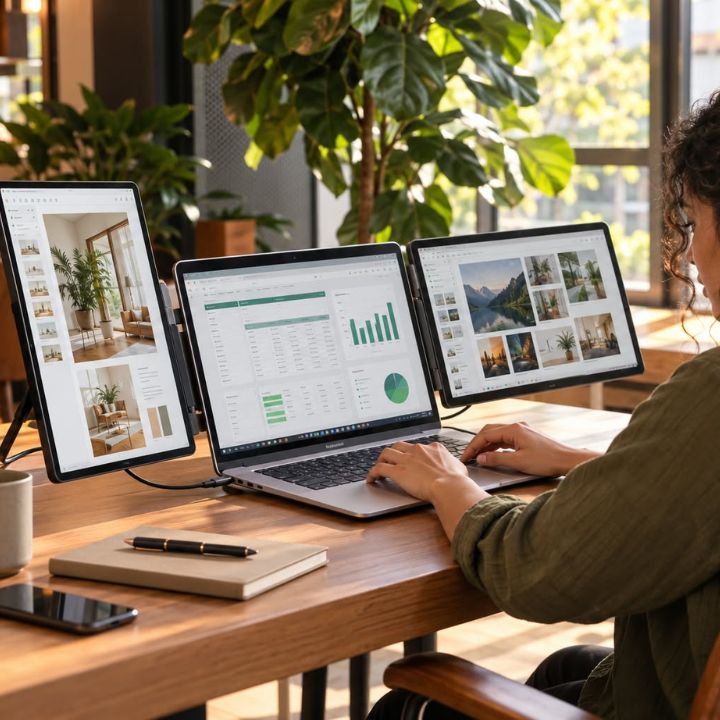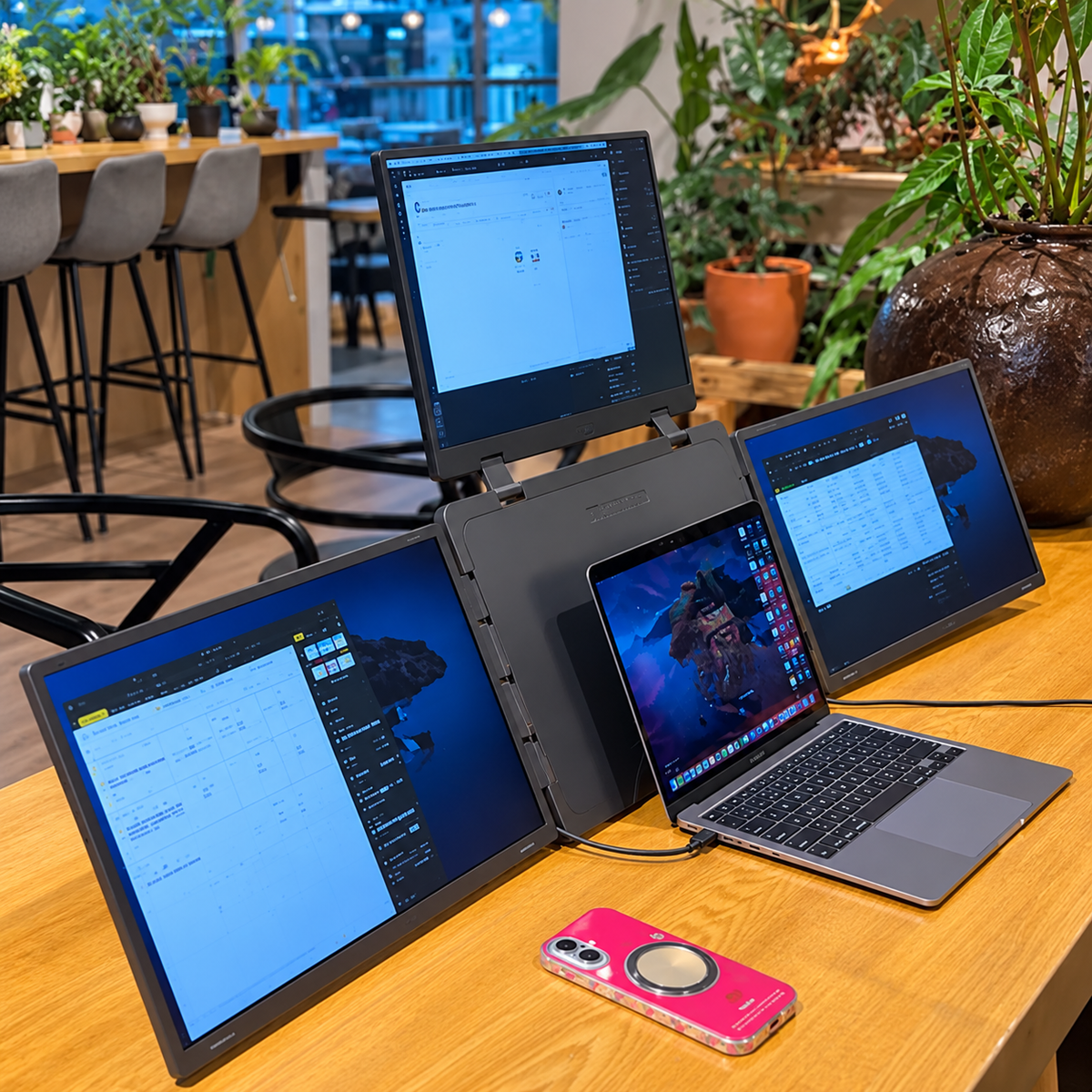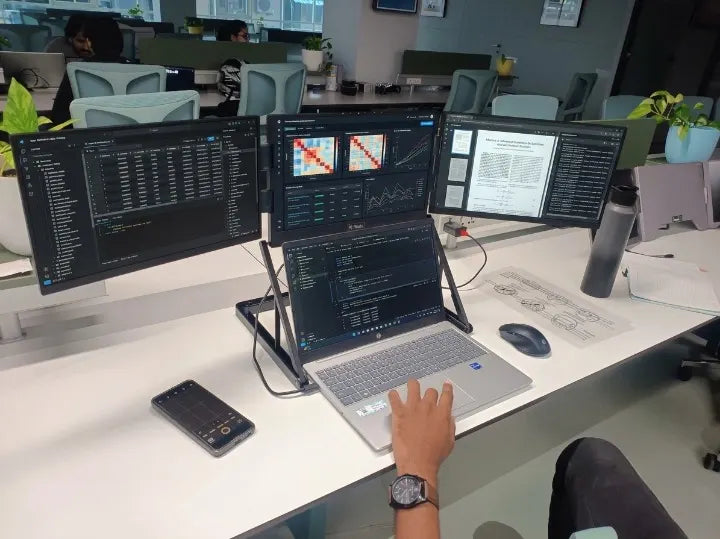

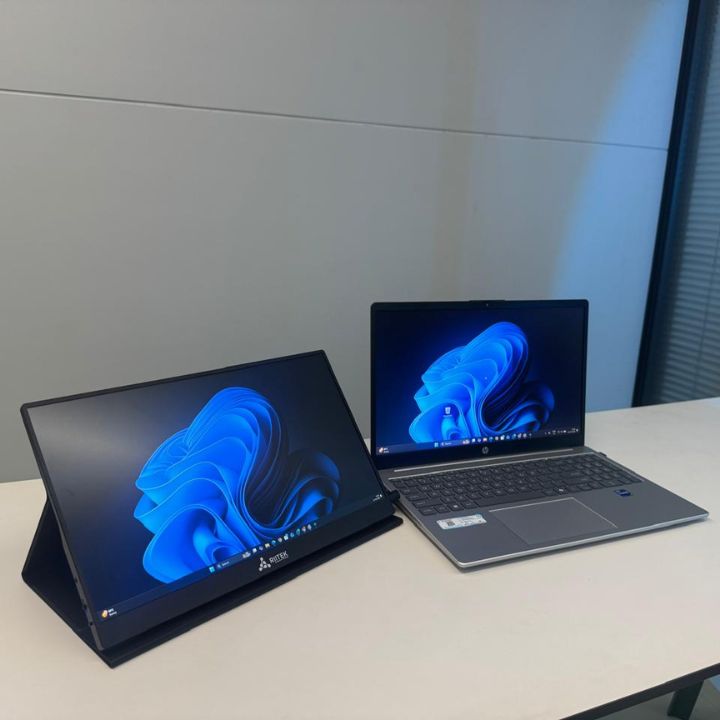
Working on a laptop is convenient, but a single screen can sometimes limit your productivity. Switching between documents, browser tabs, spreadsheets, and communication apps takes time. A portable monitor for laptop gives you additional screen space without requiring a permanent desktop setup.
Whether you work from home, travel frequently, study, trade, design, or manage multiple tasks, an extra display can make your workflow more comfortable. Instead of constantly changing between windows, you can keep important information visible while working on another task.
Why Use a Portable Monitor for Laptop?
A laptop screen is useful for everyday tasks, but limited screen space can become a challenge during multitasking. A portable display gives you an additional workspace beside your laptop screen.
For example, you can keep your email or communication app open on the external display while using your laptop screen for documents or other work. As a result, you spend less time switching between applications.
A second monitor for laptop can also help organize your workspace. You can place reference material on one screen while writing, editing, analyzing, or creating content on the other.
Improve Multitasking With More Screen Space
Multitasking becomes easier when you can see multiple applications at the same time. With a portable monitor for work, you can keep several important windows open without constantly minimizing them.
You could use your laptop display for:
- Writing documents or reports
- Editing photos or videos
- Managing spreadsheets
- Coding and development
- Research and browsing
At the same time, the additional monitor can display email, reference documents, dashboards, chats, or other supporting information.
This setup can make your workflow more organized and reduce unnecessary window switching.
Turn Your Laptop Into a More Flexible Workspace
A laptop screen extender can transform a compact laptop into a more spacious workstation. Instead of carrying a desktop monitor, you can add another display when you need extra workspace.
This is particularly useful for professionals who move between home, office, coworking spaces, and travel locations. A portable or the Extendable display can be packed with your laptop and set up when required.
For people who regularly work with multiple applications, the extra screen can provide a more convenient way to arrange their digital workspace.
Choose the Right Screen Size
Screen size is an important factor when selecting a portable display. A 15.6 inch portable monitor offers a useful balance between viewing area and portability. Riitek offers portable display solutions designed to provide additional screen space for flexible work setups.
A 15.6-inch display provides enough space for documents, spreadsheets, presentations, and other applications while remaining practical for mobile work.
A 15.6 inch Full HD monitor can also provide sharp and detailed visuals for everyday productivity. Full HD resolution is suitable for reading text, viewing websites, working with documents, and managing office applications.
USB-C Makes Portable Displays Convenient
Connectivity is another important consideration. A USB-C portable monitor can simplify your setup when your laptop supports compatible video output and power delivery.
With compatible devices, a single USB-C connection can help reduce cable clutter and make the monitor easier to set up. However, compatibility can vary between laptops, so it is important to check your laptop's USB-C specifications before purchasing.
Some portable monitors also support HDMI connections, providing another option for laptops and other devices.
Portable Monitor for Different Types of Work
A portable display can support many different workflows.
For Office Professionals
Keep spreadsheets, emails, presentations, and communication tools visible at the same time. This can make daily administrative tasks easier to manage.
For Students
Students can use one screen for online lectures or reference material and another for taking notes, researching, or completing assignments.
For Developers
Developers can keep their code editor on one screen and documentation, browser windows, or testing tools on another.
For Designers and Creators
Designers can use the additional display for reference images, project assets, timelines, or editing tools while keeping their primary work area uncluttered.
For Traders and Analysts
An extra display can provide more space for charts, dashboards, research, and other information that needs to remain visible during analysis.
Create a More Organized Workspace
Productivity is not only about working faster. It is also about creating a workspace that makes information easier to manage. Riitek focuses on practical display solutions that can support flexible laptop workspaces.
A portable monitor lets you separate your tasks across different screens. For example, your main laptop display can hold your primary project while the external display shows supporting information. This simple arrangement can make it easier to find information and keep your workflow organized.
Portable Productivity Without a Permanent Desk
One of the biggest advantages of a portable display is flexibility. Traditional monitors are designed for fixed workspaces, while portable monitors are designed to move with you.
You can use a portable monitor for laptop at home, in an office, at a coworking space, or while travelling. When your work is finished, the display can be packed away with your other equipment.
This makes an additional screen practical for people who do not have a dedicated workstation.
Is a Portable Monitor Worth It?
If your daily work involves multitasking, research, spreadsheets, communication, design, coding, or content creation, an additional display can make your laptop setup more flexible.
A portable monitor can provide extra workspace without the size and installation requirements of a traditional desktop monitor. The right choice depends on factors such as screen size, resolution, connectivity, compatibility, portability, and your specific workflow.
For many laptop users, adding a second display is a simple way to create a more productive and organized workspace.
Make Your Laptop Workspace More Productive
A portable monitor for laptop can give you the additional screen space needed to manage multiple tasks more comfortably. From keeping reference material visible to organizing applications across two screens, an extra display can make everyday laptop work more convenient.
Whether you need a second monitor for laptop, a laptop screen extender, or a compact USB-C portable monitor, choosing a display that matches your work requirements can help you build a flexible workspace wherever you work.
With the right setup, your laptop can become more than a single-screen workstation. It can become a flexible productivity setup that adapts to your work, study, and travel needs.
Conclusion
A portable monitor for laptop is a practical way to add more screen space without creating a permanent workstation. It can make multitasking easier, keep important information visible, and help you organize different tasks across multiple displays.
From professionals and students to developers, designers, and remote workers, an additional screen can support different types of workflows. A suitable screen size, Full HD resolution, and convenient connectivity can also make the setup easier to use.
If you frequently switch between applications or need more workspace while working on your laptop, a portable display can help create a more flexible and organized setup.
If you are looking for a portable monitor, visit Riitek to explore display solutions designed for flexible laptop workspaces.
Frequently Asked Questions
1. How does a portable monitor for laptop improve productivity?
A portable monitor for laptop provides additional screen space, making it easier to work with multiple applications at the same time. You can keep documents, communication tools, research, or other information visible while working on your main laptop screen.
2. Is a second monitor useful for laptop work?
Yes. A second monitor for laptop can make multitasking more convenient. You can use one screen for your primary task and the other for reference material, communication, spreadsheets, or other applications.
3. What size portable monitor is best for productivity?
A 15.6 inch portable monitor offers a practical balance between viewing space and portability. It provides enough screen area for documents, spreadsheets, browsing, and other everyday tasks while remaining easy to carry.
4. Can a portable monitor be used for work?
Yes. A portable monitor for work can be useful for professionals who need additional screen space for spreadsheets, presentations, research, communication, coding, design, and other tasks.
5. What is a laptop screen extender?
A laptop screen extender is an additional display designed to expand your laptop workspace. Depending on the model, it can connect through USB-C or HDMI and provide extra screen space for multitasking.
6. Can I connect a portable monitor using USB-C?
Many USB-C portable monitors can connect directly to compatible laptops. However, USB-C capabilities vary between devices, so check whether your laptop's USB-C port supports video output before purchasing.