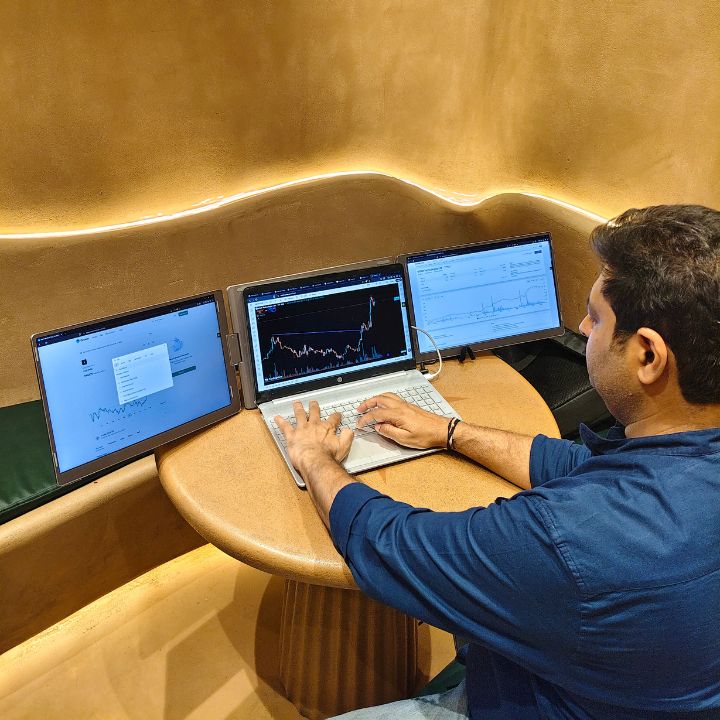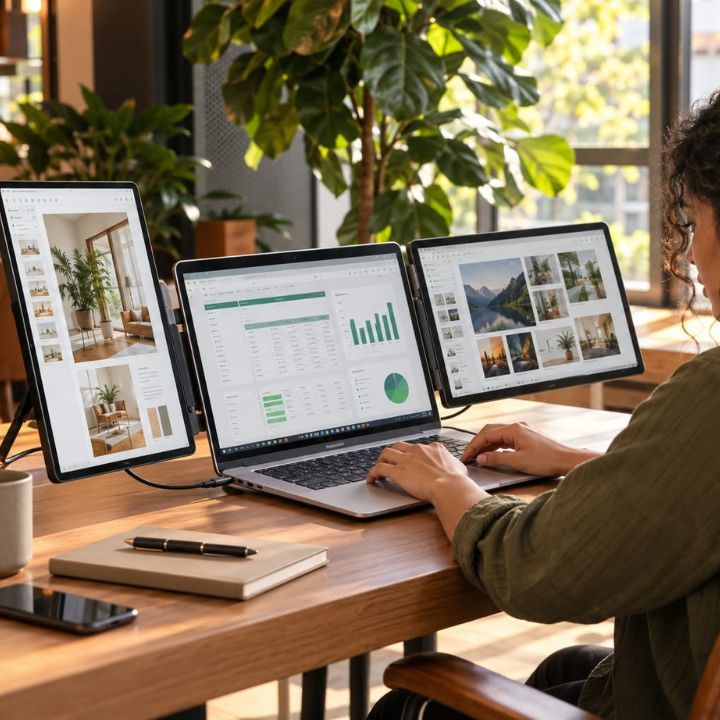

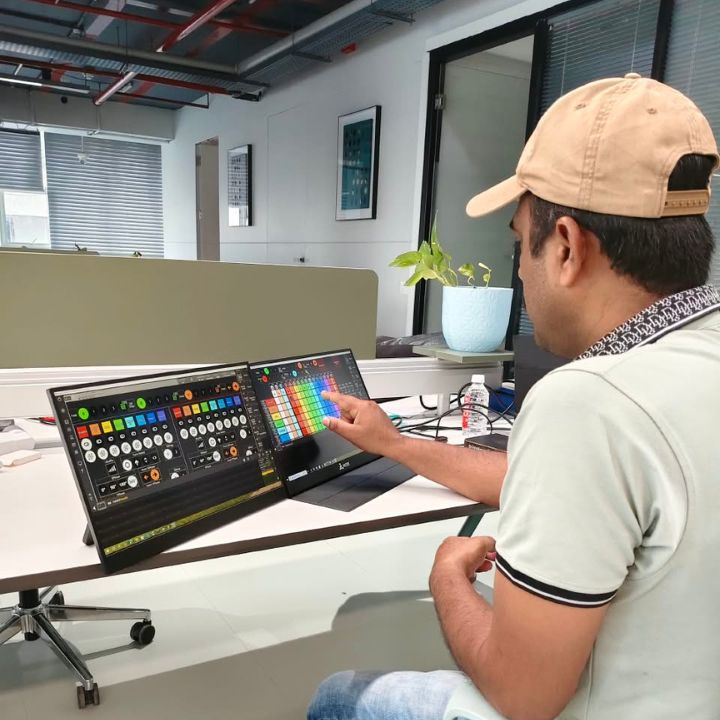
A portable monitor for engineers can make industrial lighting projects easier to manage by providing additional screen space for technical drawings, lighting layouts, calculations, and project documentation. Lighting engineers regularly work with multiple applications, making an organized digital workspace important for everyday tasks.
Industrial lighting design requires careful planning, technical accuracy, and coordination between different teams. However, working on a single laptop screen can make it difficult to compare drawings, review specifications, and manage several documents simultaneously.
The RIITEK 15.6 inch portable touch monitor offers a flexible second-screen solution for professionals who need additional display space while working in offices, attending project meetings, or reviewing technical information.
The Challenges of Industrial Lighting Design
Industrial lighting projects involve several technical activities, including fixture selection, lighting calculations, electrical planning, and installation documentation.
Engineers must review multiple sources of information to ensure that lighting designs meet project requirements. Therefore, RIITEK offers practical display solutions that help professionals organize technical documents, review drawings, and manage project information more conveniently.
Managing Complex Lighting Layouts and Technical Drawings
Lighting engineers frequently work with CAD drawings, lighting layouts, and electrical diagrams. These documents contain important details about fixture placement, electrical connections, and installation requirements.
When everything is displayed on a single laptop screen, comparing technical information can become inconvenient. An additional monitor allows engineers to keep related drawings and reference documents visible side by side.
Switching Between Design Software and Project Documentation
Lighting professionals often use design software, spreadsheets, technical reports, and product datasheets during project development.
For example, an engineer may need to compare a lighting calculation report with fixture specifications. Instead of switching between multiple windows, a second screen allows both documents to remain accessible.
Why a Portable Monitor for Engineers Makes a Difference
A portable monitor for engineers provides additional workspace for technical applications, project documentation, and everyday multitasking.
Unlike a traditional desktop monitor, a portable display can be carried between different working locations. This flexibility is useful for professionals who regularly move between offices, meeting rooms, and suitable project workspaces.
More Screen Space for Technical Work
Engineering applications often include detailed drawings, toolbars, settings, and technical information. Limited display space can make it difficult to view multiple applications comfortably.
An external monitor allows engineers to keep their primary design software open on the laptop while displaying supporting documents on a second screen.
Easier Access to Drawings, Reports, and Specifications
Lighting projects require access to equipment datasheets, electrical diagrams, installation guidelines, and calculation reports.
With an additional display, engineers can organize these resources across two screens. As a result, they can review information without constantly minimizing or reopening documents.
How a 15.6 Inch Portable Touch Monitor Supports Lighting Engineers
A 15.6 inch portable touch monitor offers a practical balance between screen size and portability. It provides extra display space while remaining convenient to carry alongside a laptop.
For industrial lighting professionals, touchscreen functionality can also make navigation easier when working with compatible applications and documents.
Reviewing Lighting Designs and CAD Drawings
Lighting engineers use CAD software and lighting design applications to plan fixture placement, review illumination layouts, and prepare technical drawings.
A portable monitor can display reference drawings while the main laptop screen remains available for design work.
For example, engineers can review lighting layouts on one screen while checking installation specifications or calculation reports on the other.
Using Touchscreen Controls for Easier Navigation
A touchscreen monitor for laptop use provides an additional way to interact with supported software and project documents.
Depending on device and application compatibility, engineers can use touch controls to:
- Navigate technical drawings and project documentation.
- Scroll through lighting reports and specifications.
- Select information within supported applications.
- Review presentations during technical meetings.
- Interact with compatible monitoring dashboards.
However, touchscreen functionality depends on the operating system, software, and connection configuration.
Managing Lighting Calculations and Project Reports
Industrial lighting projects may involve illuminance calculations, fixture quantities, energy consumption estimates, and technical assessments.
Engineers can use a second display to keep calculation reports visible while preparing spreadsheets or reviewing design requirements.
This setup makes it easier to compare project information without repeatedly switching between applications.
Benefits of a Dual Screen Setup for Engineers
A dual screen setup for engineers helps organize technical work by providing separate display areas for different applications.
Whether reviewing lighting layouts, preparing reports, or coordinating with project teams, engineers can arrange their screens according to their workflow.
Better Multitasking Across Engineering Applications
A dual-screen workstation allows engineers to manage different applications simultaneously.
For example:
- Primary laptop screen: Lighting design software or CAD applications.
- Portable monitor: Technical drawings, fixture specifications, and reference documents.
- During calculations: Spreadsheets on one screen and calculation reports on the other.
- During meetings: Project presentations alongside supporting technical information.
This arrangement can reduce unnecessary window switching and make technical information easier to access.
Improved Workflow During Project Planning
Lighting engineers frequently coordinate with electrical consultants, contractors, architects, and project managers.
During project discussions, they may need to compare drawings, verify technical information, or explain installation requirements.
Having two screens can simplify these activities by keeping supporting information visible while engineers focus on their primary tasks.
Key Features to Look for in a Touchscreen Monitor for Laptop
Choosing a portable touchscreen monitor requires considering several factors, including display quality, connectivity, portability, and compatibility.
These features determine how effectively the monitor can support engineering applications and everyday professional work.
Display Quality and Screen Size
A 15.6-inch Full HD display provides additional space for reviewing technical documents, spreadsheets, and engineering drawings.
IPS display technology also offers wide viewing angles, which can be useful when discussing technical information with colleagues.
However, engineers working with highly detailed drawings may still need to zoom in for closer inspection.
Touch Functionality and Connectivity
Touchscreen functionality allows users to navigate compatible applications through direct screen interaction.
Before purchasing, engineers should confirm that their laptop supports the required video output and touch functionality.
USB-C and HDMI connections offer flexible connectivity options, although certain configurations may require additional cables for touch input or power.
Portability and Laptop Compatibility
Professionals who work from different locations may benefit from a portable monitor rather than a fixed desktop display.
A compact design makes transportation easier, while compatible connectivity allows the monitor to work with supported laptops.
Engineers should also consider available power connections and the conditions of their working environment before setting up the display.
How RIITEK Supports Industrial Lighting Professionals
RIITEK offers portable display solutions designed for professionals who regularly work with multiple applications, technical documents, and project information.
The RIITEK 15.6 Inch Portable Touch Monitor provides additional display space for lighting engineers who need to review drawings, manage documentation, and organize engineering applications.
Its key features include:
- 15.6-inch display: Additional workspace for technical documents and applications.
- Full HD resolution: 1920 × 1080 pixels for clear document viewing.
- IPS display technology: Wide viewing angles for everyday professional tasks.
- 10-point capacitive touchscreen: Interactive input with compatible devices and applications.
- USB-C and HDMI connectivity: Flexible connection options for supported laptops.
- Portable design: Convenient for office work, meetings, and suitable engineering workspaces.
- One-year warranty: Manufacturer warranty coverage.
These features make the monitor a practical option for engineers who want additional screen space without relying on a permanent desktop workstation.
Choosing the Right Portable Monitor for Your Engineering Needs
Before selecting a portable display, engineers should evaluate their software requirements, laptop specifications, and working environment. Choosing the right monitor can help create a more organized and flexible workspace.
The following factors can help determine whether a monitor is suitable:
- Laptop compatibility: Confirm support for external display connections.
- Touchscreen support: Check operating system and application compatibility.
- Display resolution: Choose a resolution suitable for technical documents and drawings.
- Connectivity options: Review USB-C, HDMI, and power requirements.
- Portability: Consider how frequently the monitor will be transported.
- Working conditions: Protect the monitor from dust, moisture, impacts, and other harsh industrial conditions.
Considering these requirements helps engineers choose a display that fits their professional workflow.
To explore different screen sizes, display configurations, and portable monitor options, browse the RIITEK All Products Collection and find a solution that matches your engineering requirements.
Conclusion
Industrial lighting design involves detailed planning, technical calculations, drawing reviews, and coordination between different teams. Managing these responsibilities requires an organized and flexible workspace.
A portable monitor for engineers provides additional screen space for technical drawings, project reports, and supporting applications. Furthermore, touchscreen functionality offers another way to interact with compatible software.
The 15.6 inch portable touch monitor is a practical choice for lighting engineers looking to improve multitasking and create a flexible dual-screen workstation.
Have questions about product compatibility or need help choosing the right monitor? Contact RIITEK for product information and assistance.
Frequently Asked Questions (FAQs)
What is the best portable monitor for engineers?
The best portable monitor for engineers depends on display quality, screen size, connectivity, and compatibility. A 15.6 inch portable touch monitor is a practical option for reviewing technical drawings, managing project documentation, and multitasking across engineering applications.
How does a portable monitor help with industrial lighting design?
A portable monitor provides additional screen space for reviewing lighting layouts, CAD drawings, technical specifications, and calculation reports. It allows lighting engineers to compare project information across two screens, reducing unnecessary window switching.
Can a portable touchscreen monitor be used with CAD software?
Yes, a portable touchscreen monitor can display CAD software when connected to a compatible laptop. However, touchscreen functionality depends on the operating system, CAD application, and connection configuration.
What are the benefits of a dual screen setup for engineers?
A dual screen setup for engineers allows professionals to view technical drawings, spreadsheets, project reports, and reference documents simultaneously. This helps organize engineering tasks and supports more efficient multitasking.
Is the RIITEK 15.6 inch portable touch monitor compatible with laptops?
The RIITEK 15.6 inch portable touch monitor supports connections with compatible laptops through USB-C or HDMI. However, video output, touchscreen functionality, and power requirements depend on the laptop's specifications and connection setup. Checking compatibility before purchasing is recommended.